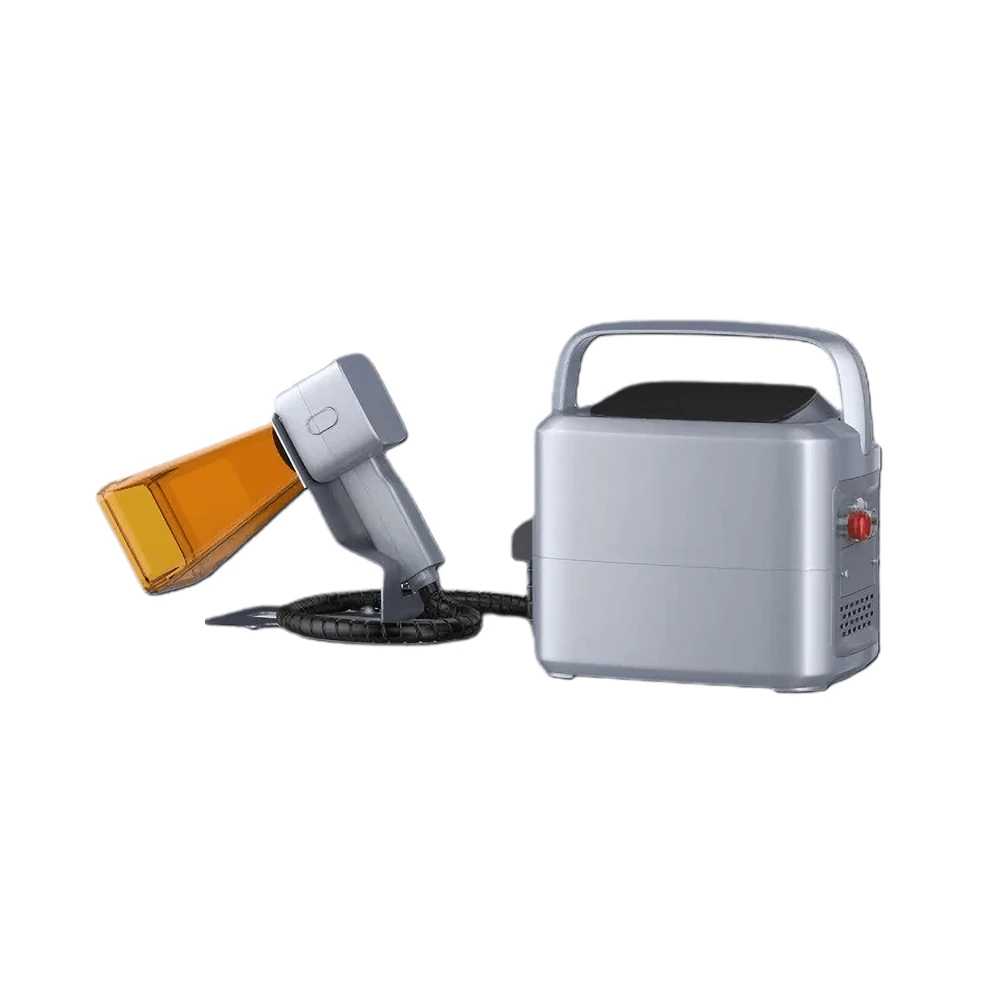
Handheld Laser Marking Machine
Pure field work: an 8.25 kg body with a 1.25 kg gun and a battery that runs a full shift.
View modelMost workshops need two machines: a bench marker for daily batch work and something portable for the parts that never reach the bench. This one covers both. Bolt the head onto the lifting column and it marks flat work like a benchtop unit; lift it off and carry it to the wall, the frame or the installed assembly.
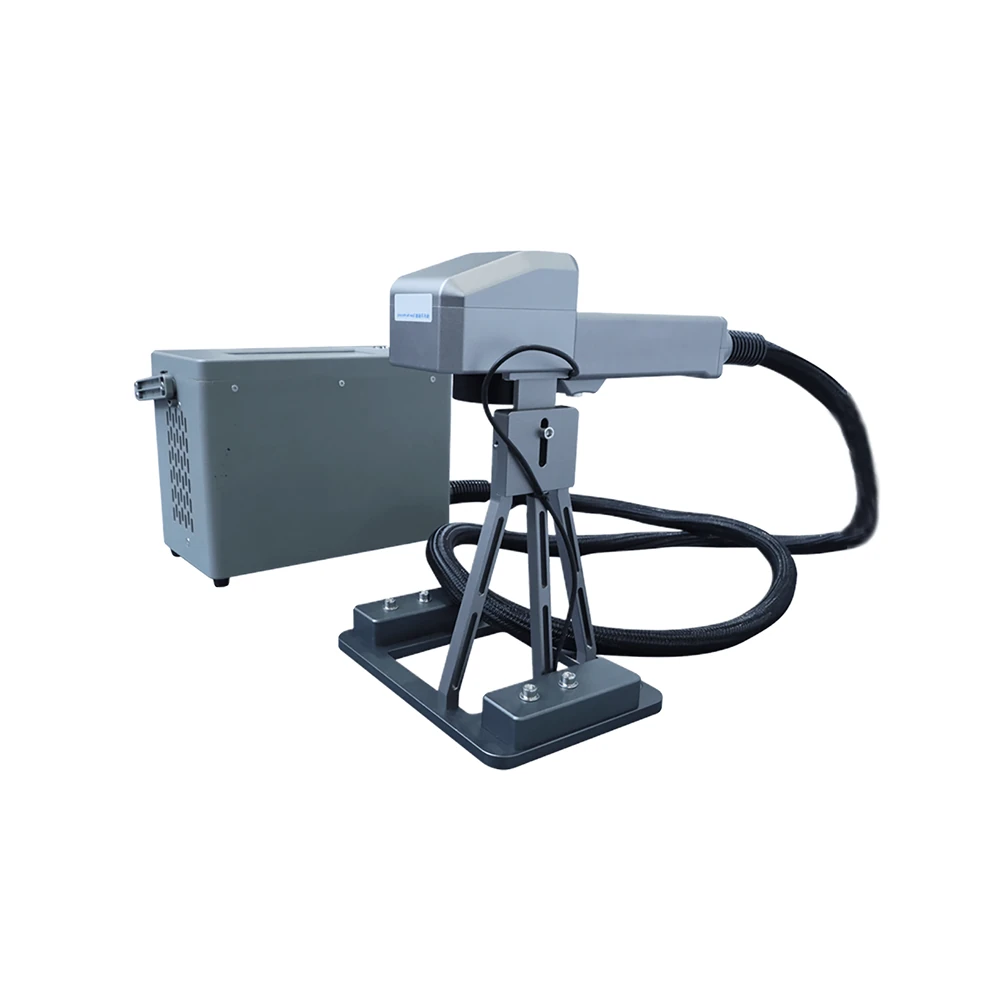
The same source, the same 110 × 110 mm field and the same parameters. What changes is where the head sits and what kind of part you can reach.
| Working condition | Desktop mode (head on the column) | Handheld mode (head off the column) |
|---|---|---|
| Part geometry | Flat plates, housings and small components | Curved bodies, walls, frames and non-horizontal surfaces |
| Working height | Set on the lifting axis and read off the precision scale | Chosen by the operator, stand-off kept by a guide or spacer |
| Repeatability | High, the fixture holds the part in place | Depends on operator control and the surface |
| Through-put | Best for batch and repetitive work | Best for one-off and field jobs |
| Power source | Mains supply, battery charging in parallel | Built-in battery for mobile work |
| Positioning aid | Double infrared positioning beams are used in both modes | |
| Field and parameters | Identical 110 × 110 mm field and the same stored job files | |
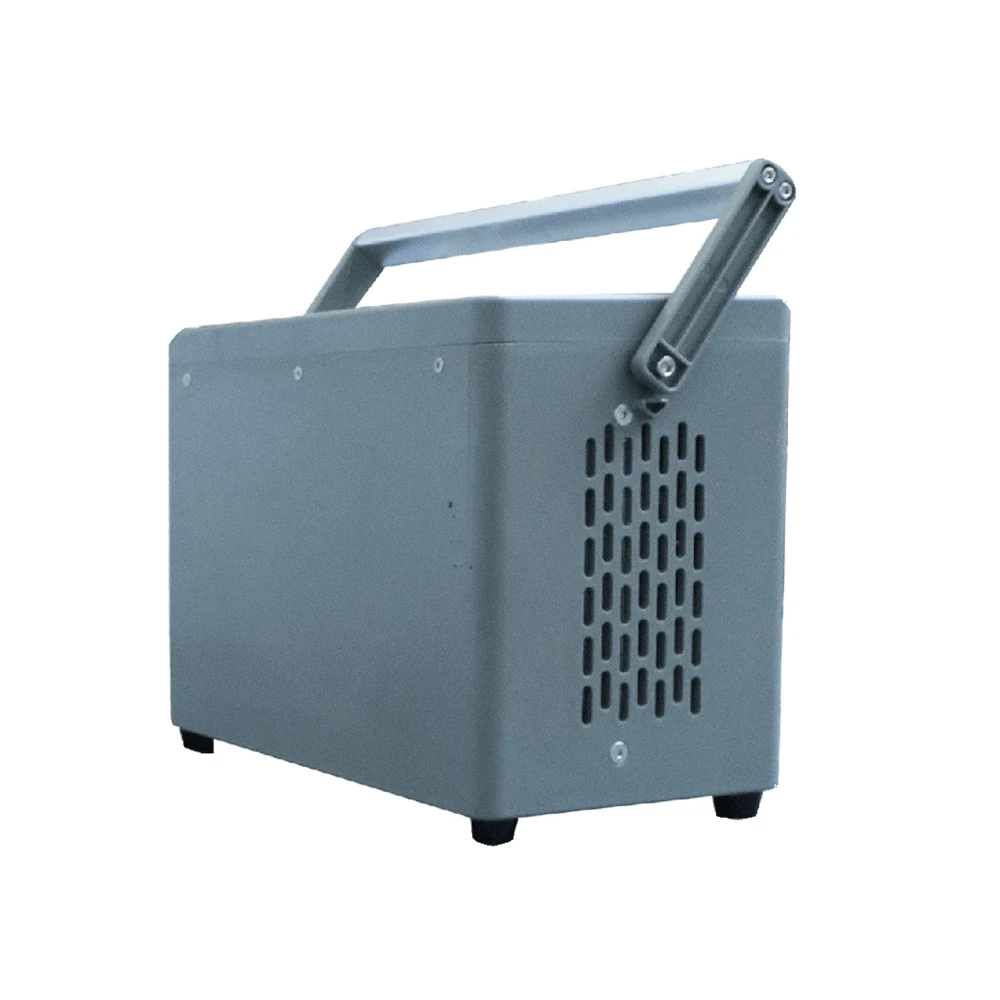
No re-calibration, no second parameter set and no tools beyond the ones supplied with the machine.
Fit the head to the lifting column and set the working height against the precision scale.
Load the stored parameter set for the part on the Linux controller, or use one-key repeat for the previous job.
Undock the head and carry it to the part. The double infrared beams confirm position before marking.
Re-dock, check focus with the positioning beams, and the machine is back in desktop mode.
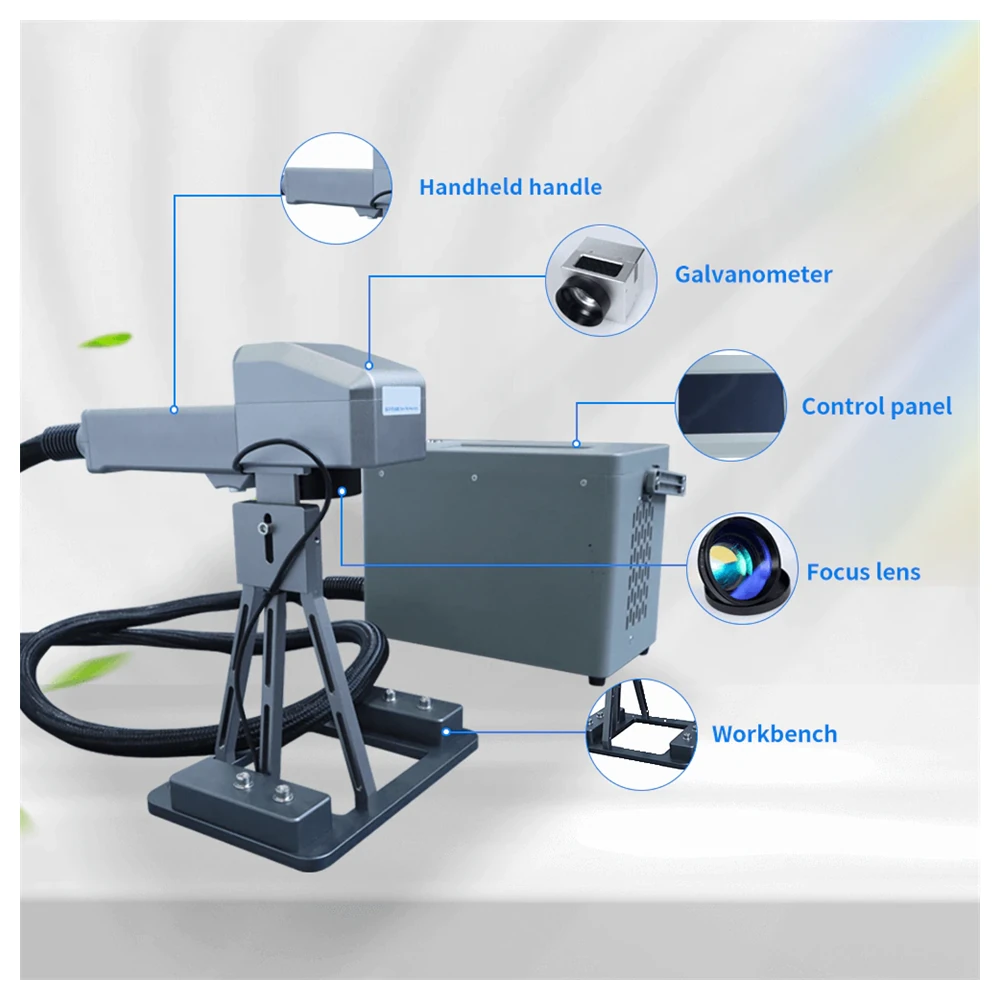
Identical optics, software and control platform. The difference is output power, cabinet size, weight and current draw.
| Parameter | KR-TF20 | KR-TF30 |
|---|---|---|
| Rated Power | 20W | 30W |
| Galvanometer | ZBTK / Sino-galvo | |
| Marking Area | 110 × 110 mm | |
| Marking Line Width | 0.025 mm | |
| Minimum Character Size | 0.15 mm | |
| Power Adjustment | 0–100% stepless | |
| Marking Speed | 0–1500 mm/s | |
| Fiber Cable Length | 3 m | |
| Laser Wavelength | 1064 nm | |
| System Software | EZCAD2 on a Linux control platform | |
| Cooling Method | Air-cooled | |
| Laser Source | MAX / Raycus / JPT | |
| Machine Dimensions | 340 × 250 × 290 mm | 350 × 250 × 290 mm |
| Machine Weight | About 15.5 kg | About 30 kg |
| Supply Voltage | 110V / 220V, 50/60 Hz | |
| Machine Power Draw | 460W | 580W |
Where the promotional text and the technical table disagree, the table is reproduced above: the introduction quotes about 16 kg while the table states about 15.5 kg; the feature list quotes an engraving area of 70 × 70 mm while the table states 110 × 110 mm; and the feature list quotes engraving speeds up to 12 m/s while the table states 0–1500 mm/s. The technical table governs, and we will confirm the specification of your build in writing.
Two design decisions matter here: how small the spot can be compressed, and what happens to a hand that touches the screen by accident.
The focused region is narrowed to about 0.02 mm across, which is what allows characters as small as 0.06 × 0.15 mm without losing legibility.
Unlike a blue-light source, the 1064 nm wavelength does not burn on contact, so an accidental touch of the screen cannot scald an operator.
Two positioning beams show exactly where the mark will land, which removes guesswork in handheld mode.
The machined and anodised frame is rigid enough to hold accuracy and durable enough to travel between sites.
For batch work the last job can be repeated from the machine alone, with no computer connected to the controller.
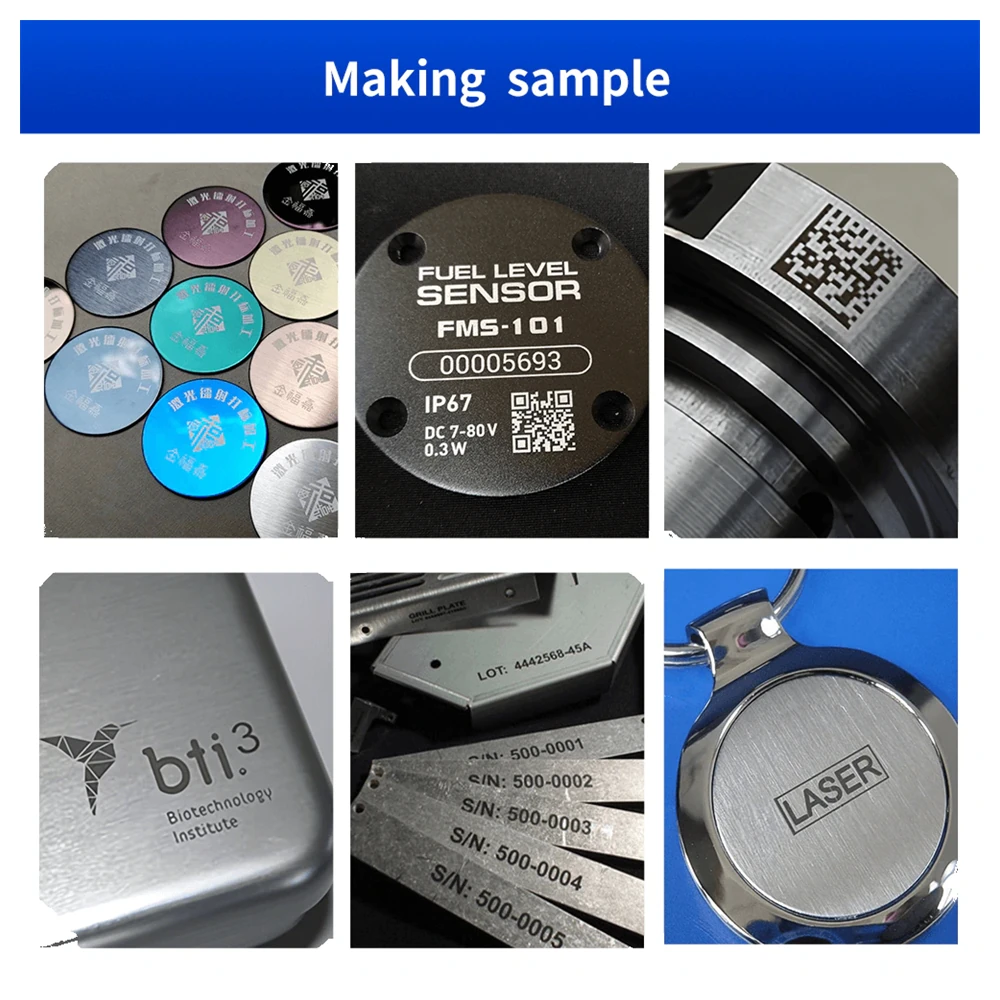
The infrared source marks gold, silver and plated surfaces with very little material removal, protecting the value of the part.
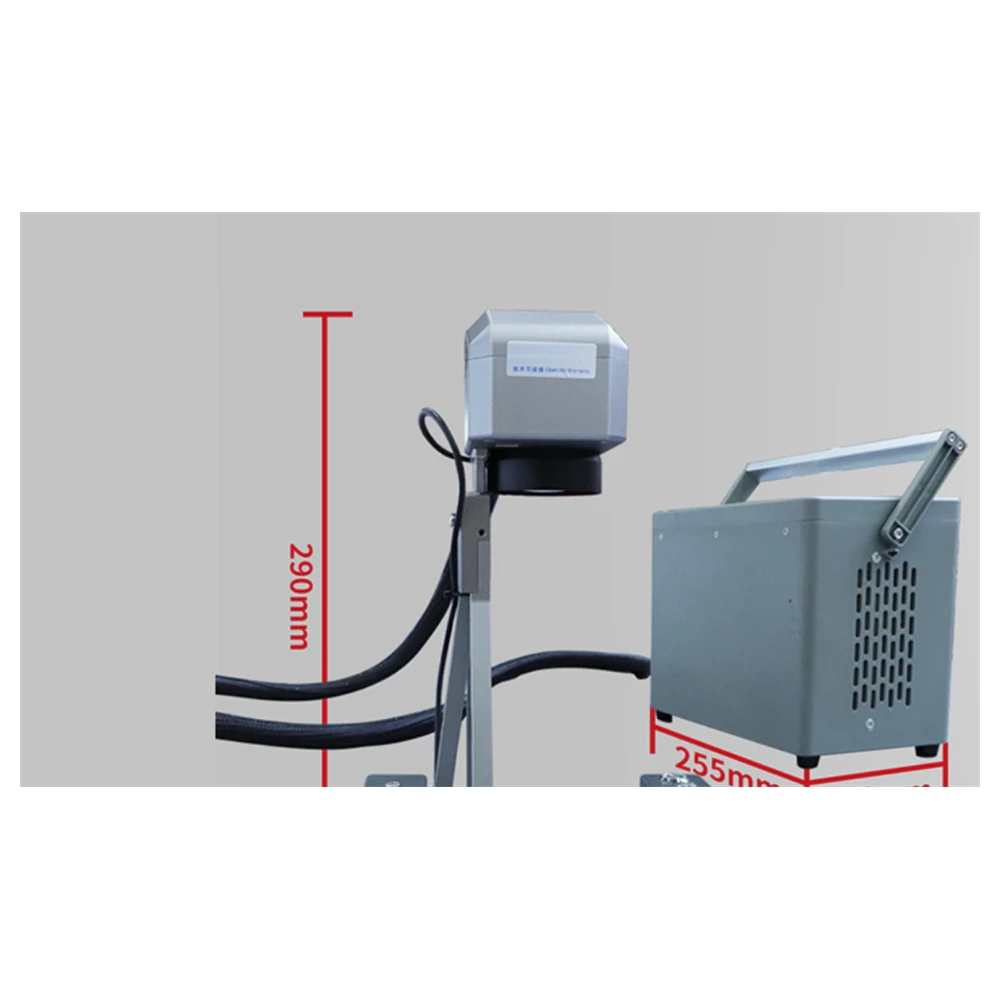
The structure is designed for quick assembly, and the software side is familiar to anyone who has used an engraving package before.
It combines desktop and handheld function in one machine. Docked on the lifting column it marks flat work like a benchtop marker; released from the column it marks curved objects, non-horizontal surfaces, walls and facades by hand.
Metals such as aluminium, stainless steel and brass, plus plastics, ceramics, leather and coated materials. The 1064 nm source also marks precious metals with minimal material loss.
Compared with CO2 or diode sources, a fiber laser offers a longer service life, lower maintenance and higher efficiency. That combination suits metal marking and high-contrast plastic engraving particularly well.
The structure is designed for fast assembly. Most customers complete the setup in roughly 10 to 20 minutes, using the precision scale marks on the lifting axis to set the working height.
Yes. Because the core parts are light, the head can be lifted off the column and used by hand on curved objects, walls and exterior facades where nothing can be placed on a bench.
A battery is built into the body for mobile work, so the machine can be carried to the job and operated away from a wall socket.
The machine runs on a stable Linux operating system with established engraving software, supports Windows environments from XP to 11, reads PLT, DXF, BMP, JPG and JPEG files, and generates Code39, EAN, PDF417, DM and QR codes.
Yes. One-key repeat marking copies the previous job without connecting a computer, which makes batch runs on identical parts noticeably faster.
If you only ever need one of the two modes, a dedicated single-mode build is usually the simpler machine to specify.
Pure field work: an 8.25 kg body with a 1.25 kg gun and a battery that runs a full shift.
View model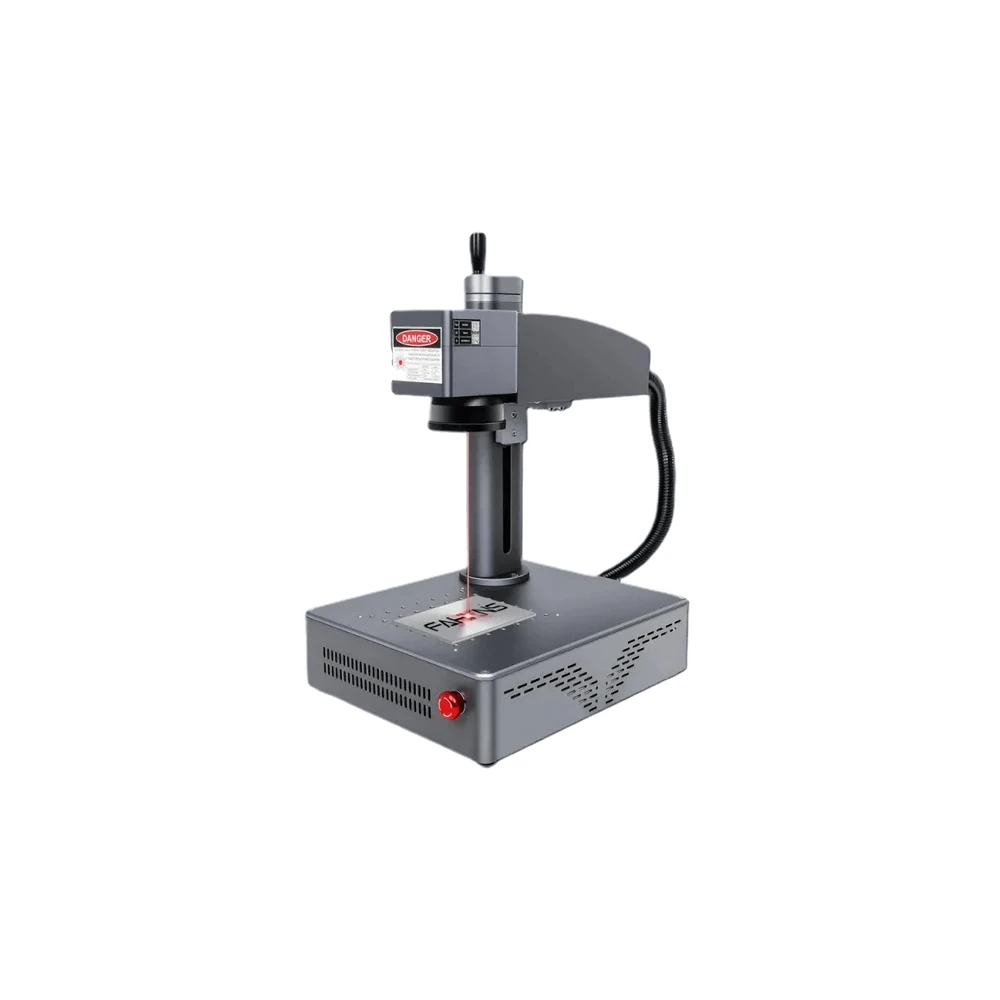
Everything in one 15.5 kg cabinet with auto focus, for workshops that mark at a fixed bench all day.
View model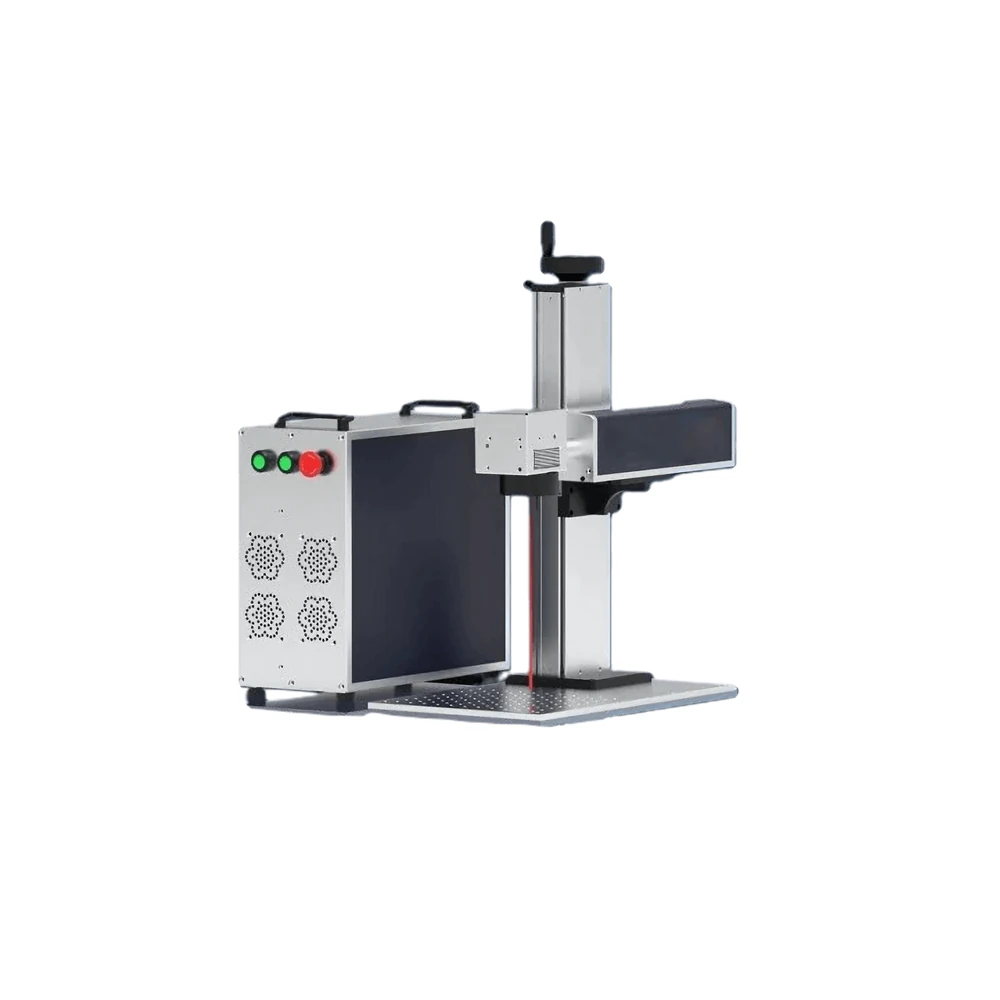
A fixed head on a long cable for gantry mounting, robot cells and conveyor integration.
View model