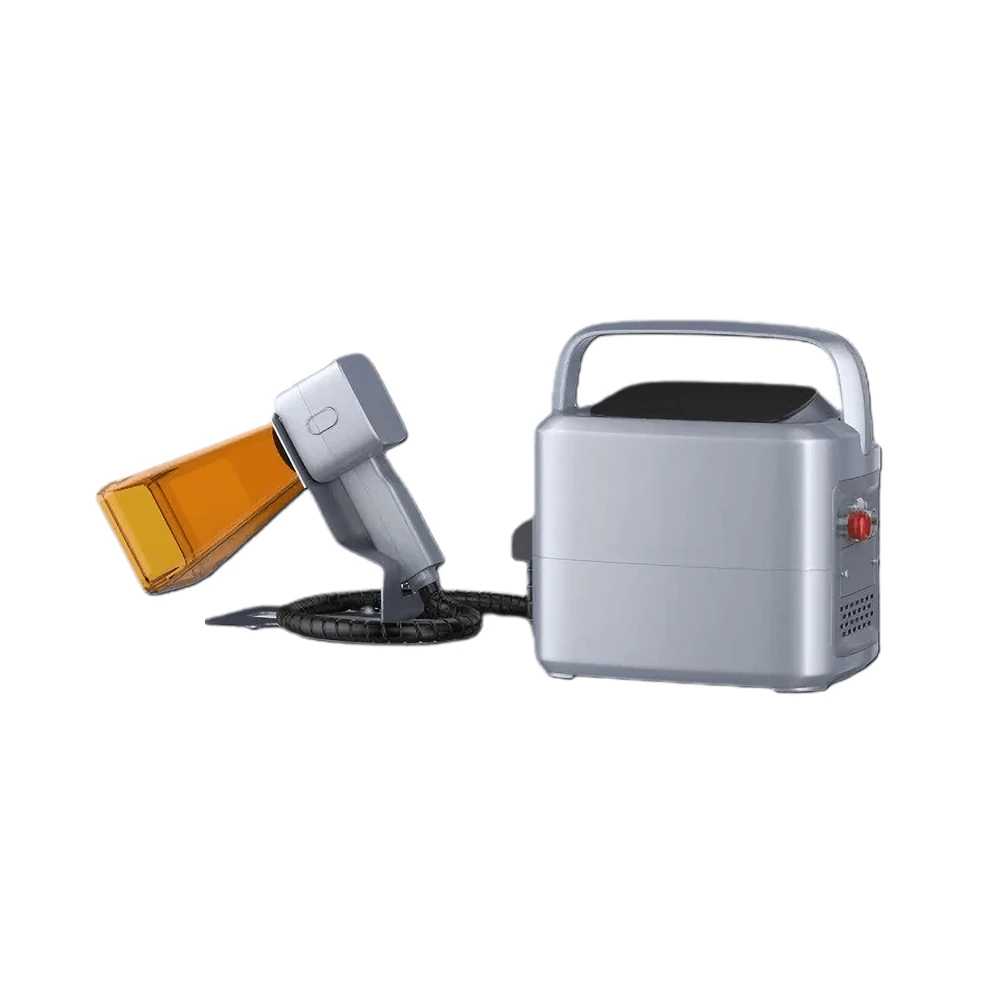
Handheld Laser Marking Machine
Take the beam to the part instead of bringing the part to the bench, with a 1.25 kg gun and an optional battery.
View modelSource, controller, screen and workbench live in one cabinet. From the factory door it is already aligned and calibrated, so commissioning means setting it on a bench, switching on and marking. The KR-AF20 weighs about 15.5 kg; the KR-AF30 about 30 kg.
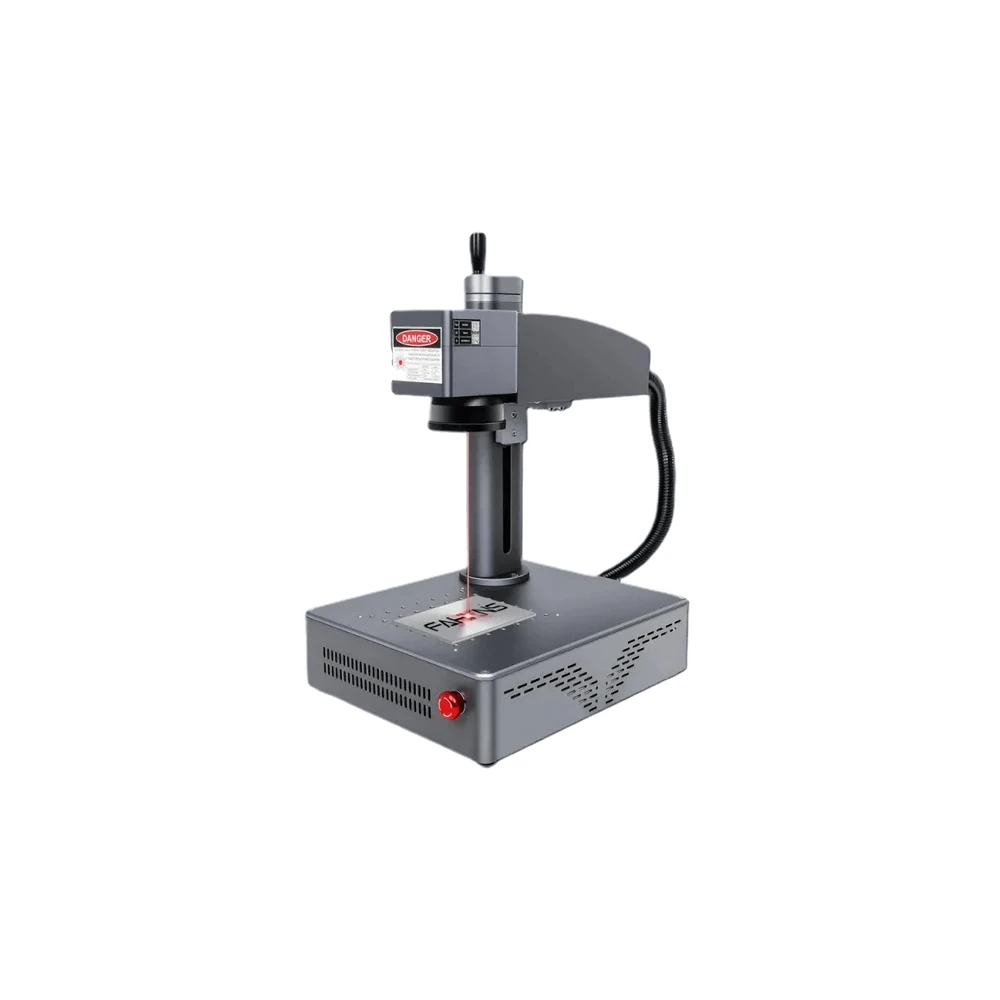
The real difference between an all-in-one build and every other format is what the buyer has to assemble. Here is the same job approached three ways.
| What the buyer handles | All-in-One KR-AF20 / AF30 | Split-Type Build | Handheld Build |
|---|---|---|---|
| Arrives pre-assembled | Source, controller, display and workbench in one housing, aligned and tested | Cabinet plus a separate marking head | Body plus a cabled marking gun |
| Cabling to route on site | Mains lead only | Head cable, power and interlock lines | Gun cable and battery leads |
| Focusing method | Automatic, with double red-beam confirmation | Manual Z column or handwheel | Hand-held stand-off against a guide |
| Bench space needed | One footprint of 340 × 430 mm at the smallest | Cabinet footprint plus head clearance | Work surface only |
| Relocating to another room | One person, one lift | Two units, re-check optics after the move | Carried by hand |
| Best fit when... | Space is tight and the part fits a 110 × 110 mm window | The part is large or the head must reach into a line | The part cannot be moved at all |
The comparison describes the three build families we manufacture. Your application decides which one earns its place; ask an engineer and we will say plainly if the all-in-one format is the wrong answer.
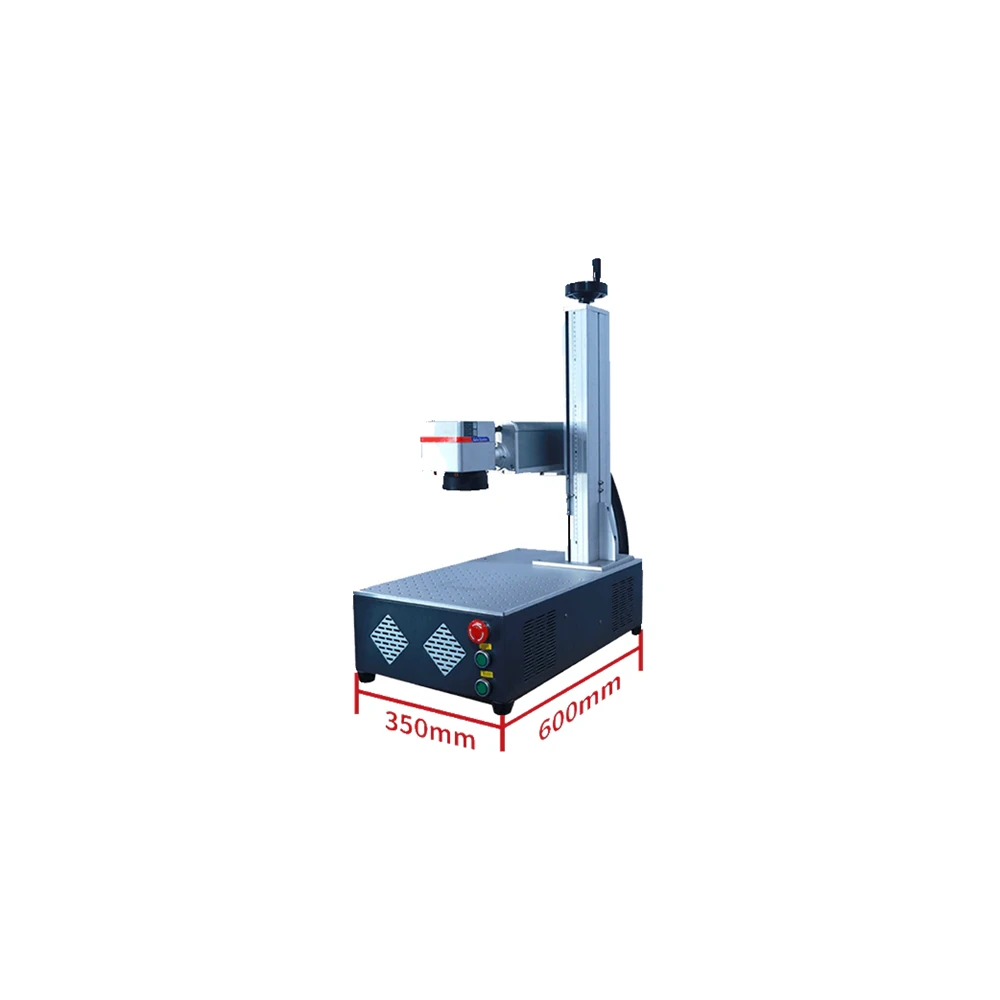
The two models share a controller, an interface and a workbench, but they are not the same size. These are the published dimensions.
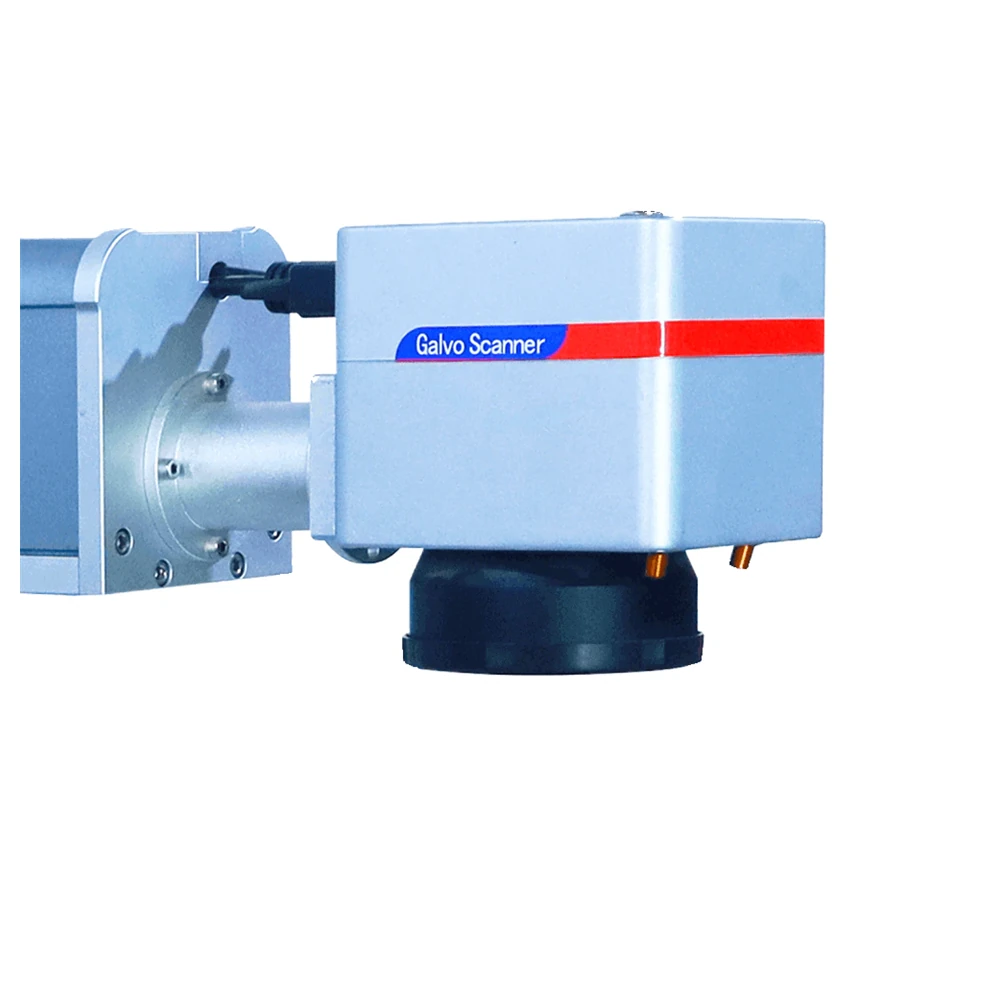
Both models share the same optics, software and control platform. Only power, enclosure size and current draw change.
| Parameter | KR-AF20 | KR-AF30 |
|---|---|---|
| Rated Output Power | 20W | 30W |
| Galvanometer | ZBTK / Sino-galvo | |
| Marking Area | 110 × 110 mm | |
| Marking Line Width | 0.025 mm | |
| Minimum Character Size | 0.15 mm | |
| Power Adjustment | 0–100% stepless | |
| Marking Speed | 0–1500 mm/s | |
| Fiber Cable Length | 3 m | |
| Laser Wavelength | 1064 nm | |
| System Software | EZCAD2 | |
| Cooling Method | Air-cooled, no chiller and no consumables | |
| Laser Source | MAX / Raycus / JPT | |
| Machine Dimensions | 340 × 430 × 580 mm | 350 × 600 × 850 mm |
| Machine Weight | About 15.5 kg | About 30 kg |
| Supply Voltage | 110V / 220V, 50/60 Hz | |
| Machine Power Draw | 460W | 580W |
Note on the warranty: the machine datasheet states a 2-year warranty, while an older component note in the material mentioned 1 year for core parts. The technical datasheet takes precedence, and the term that applies to your order is stated in writing on the order confirmation. Focal lenses, rotary axes and fixtures are specified per order.
Nothing here is decorative. Each item removes a step that would otherwise take an operator a few minutes at every job change.
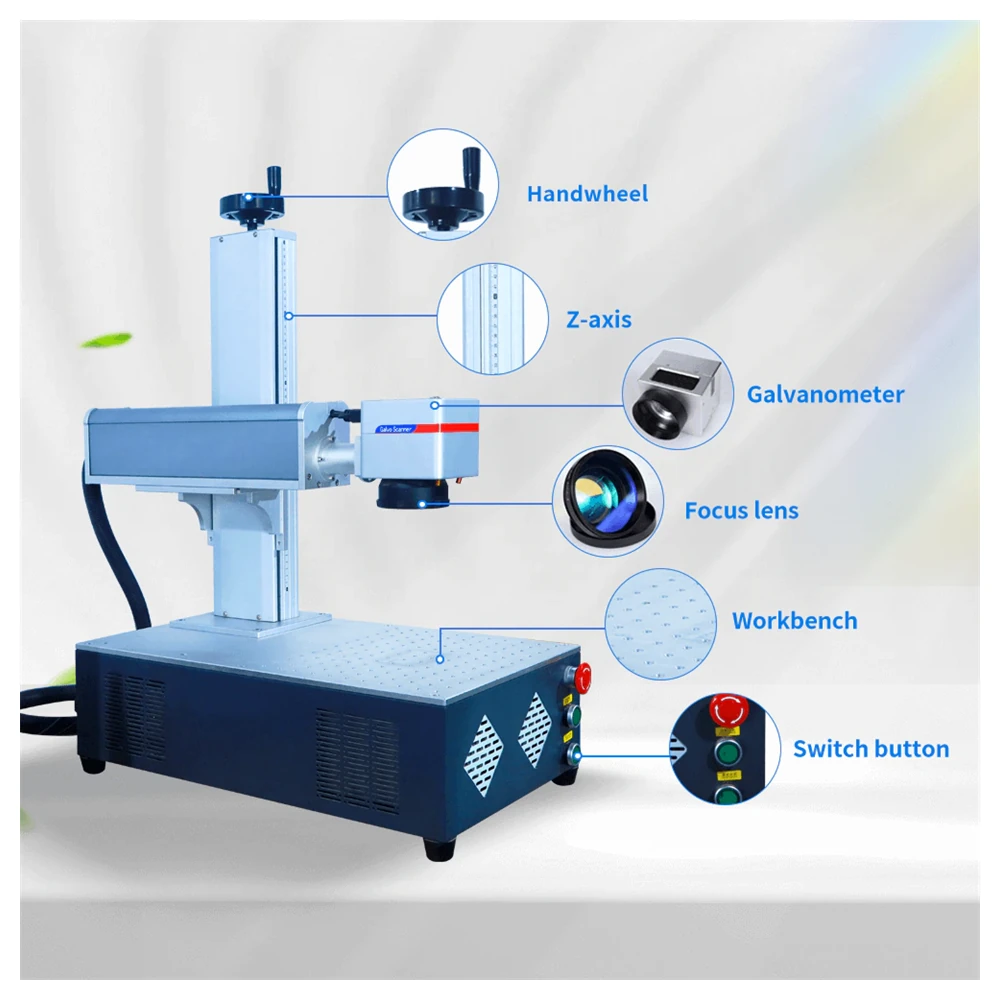
Two alignment beams make the focal position visible, so focus is set without burning a test plate first.
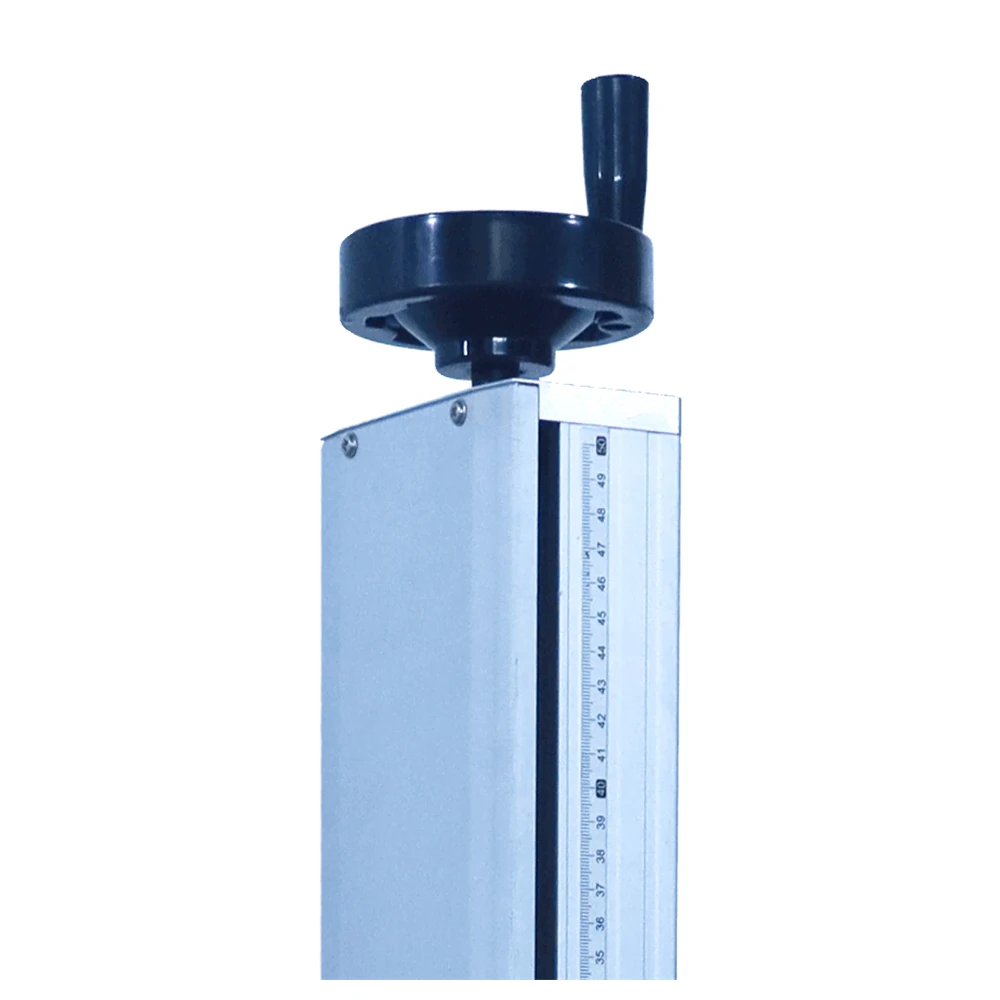
A wear-resistant column with a manual handwheel raises and lowers the head in fine steps for different part heights.
The control interface is reachable from a PC or a mobile device, so jobs are prepared away from the machine.
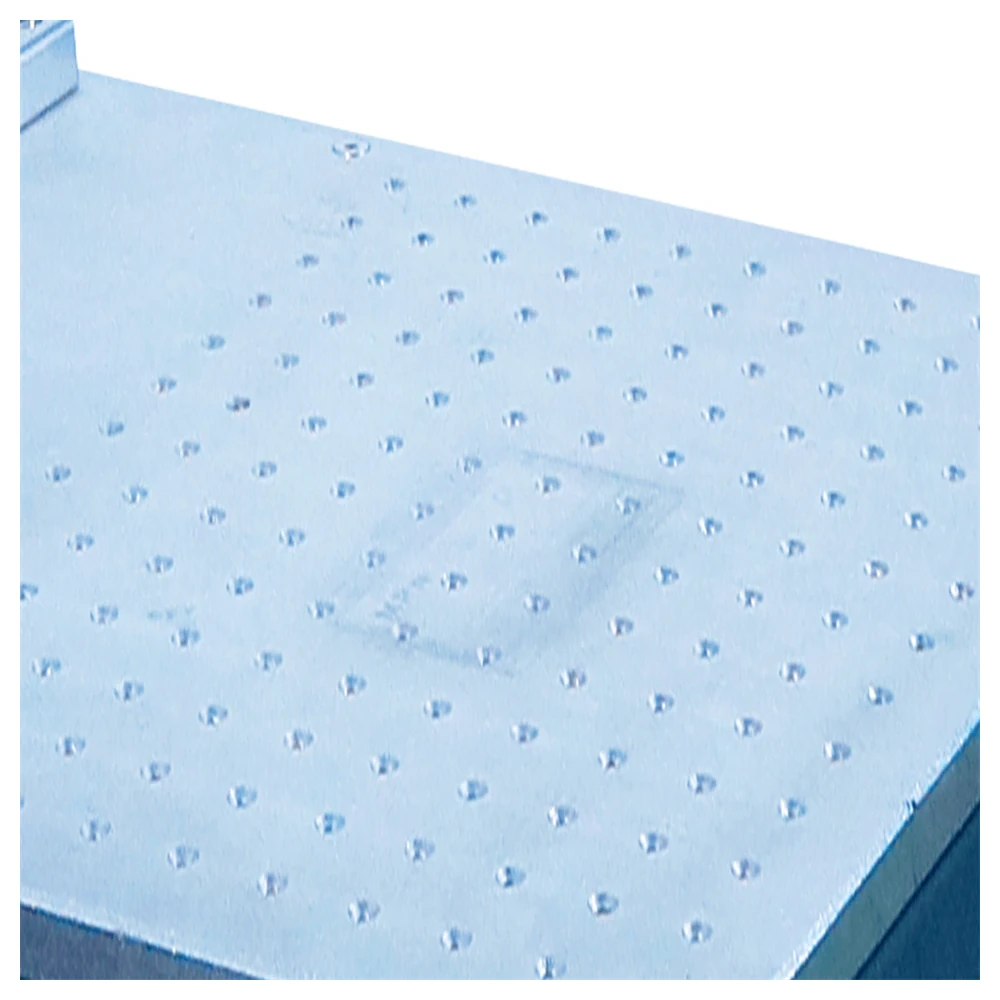
One switch starts the machine, and the all-aluminium workbench carries locating holes for repeat fixtures and stays easy to clean.
The compact cabinet suits any plant that marks small parts in batches and wants the machine close to the bench, not behind a partition.
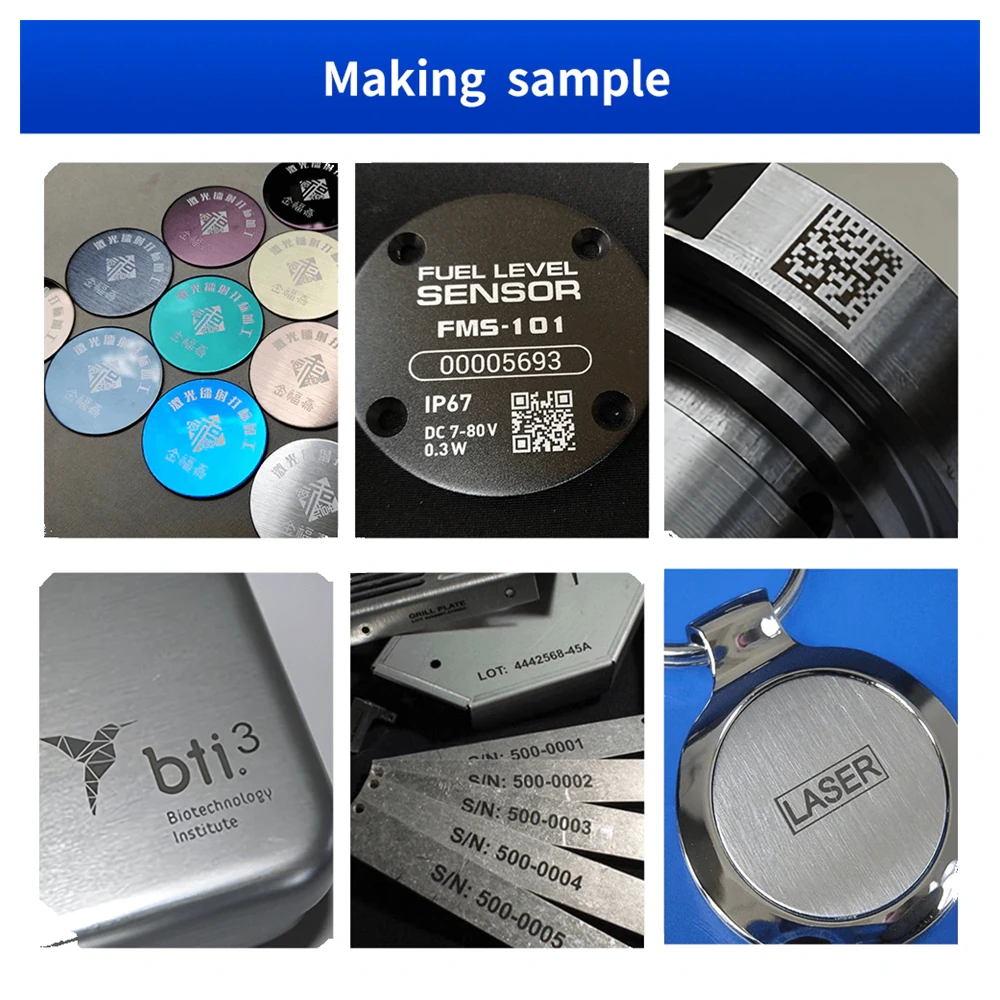
Integrated circuit chips, computer accessories, connectors and instrument panels marked with serial numbers, logos and two-dimensional codes.
Bearings, housings, fasteners and machined components where traceability has to survive the rest of the production route.
Hand tools, mould inserts, wires and cables, watches, jewellery, home appliances, food packaging and defence equipment.
Yes. The controller connects over Wi-Fi, so a phone, tablet or PC can send jobs and manage the marking process remotely. That gives operators the freedom to prepare the next job while the machine finishes the current one.
The all-in-one fiber laser marker is built for maintenance-free operation thanks to a high-efficiency air cooling system with no chiller and no consumables. Keep the housing and the protective window free of dust and the machine is ready to run.
Text, serial numbers, dates, bar codes, QR codes, Data Matrix codes, logos, graphics and special characters are all supported through the EZCAD2 software that ships with the machine.
The KR-AF20 weighs about 15.5 kg and the KR-AF30 about 30 kg, so one operator can move the cabinet between benches. Source, controller, display and workbench travel together as a single unit.
Electronics, automotive, telecommunications, jewellery, sanitary ware, plastic key caps, integrated circuit production and instrumentation are the sectors where the compact format is used most, alongside aerospace and hardware tool manufacturing.
The 1064 nm source marks metals, rubber, many plastics, plated surfaces and epoxy resins. Each material gets its own parameter set for the best contrast, and we supply tested parameters with every sample we mark.
Each unit travels in a wooden case with foam cushions and a moisture barrier, so the cabinet arrives aligned and ready to set on a bench.
Standard production takes about 5 working days. Air express such as FedEx, DHL or TNT adds roughly 4 to 6 working days in transit, and the shipment is trackable from the factory door.
If the part is too large for a 110 × 110 mm window, or cannot be moved at all, one of these builds solves it.
Take the beam to the part instead of bringing the part to the bench, with a 1.25 kg gun and an optional battery.
View model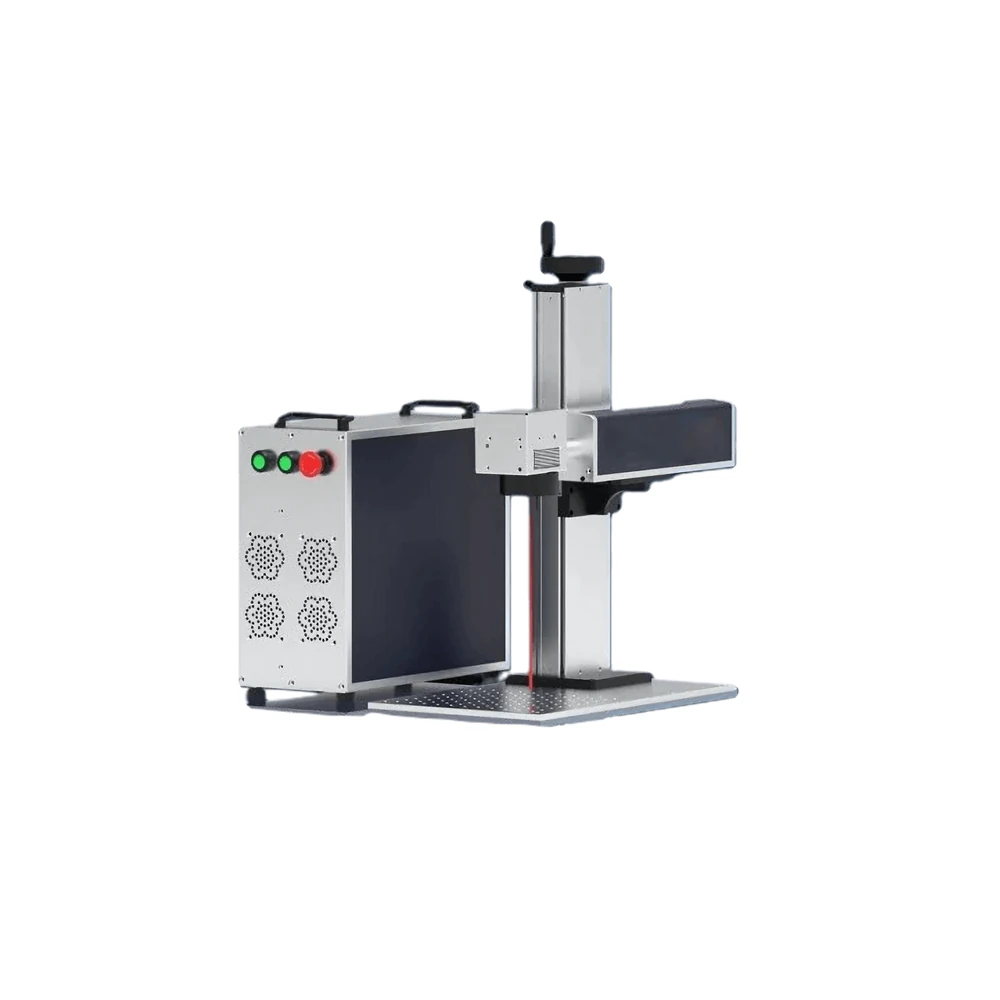
Head separated from the cabinet for gantry mounting, robot cells and conveyor lines that need a longer reach.
View model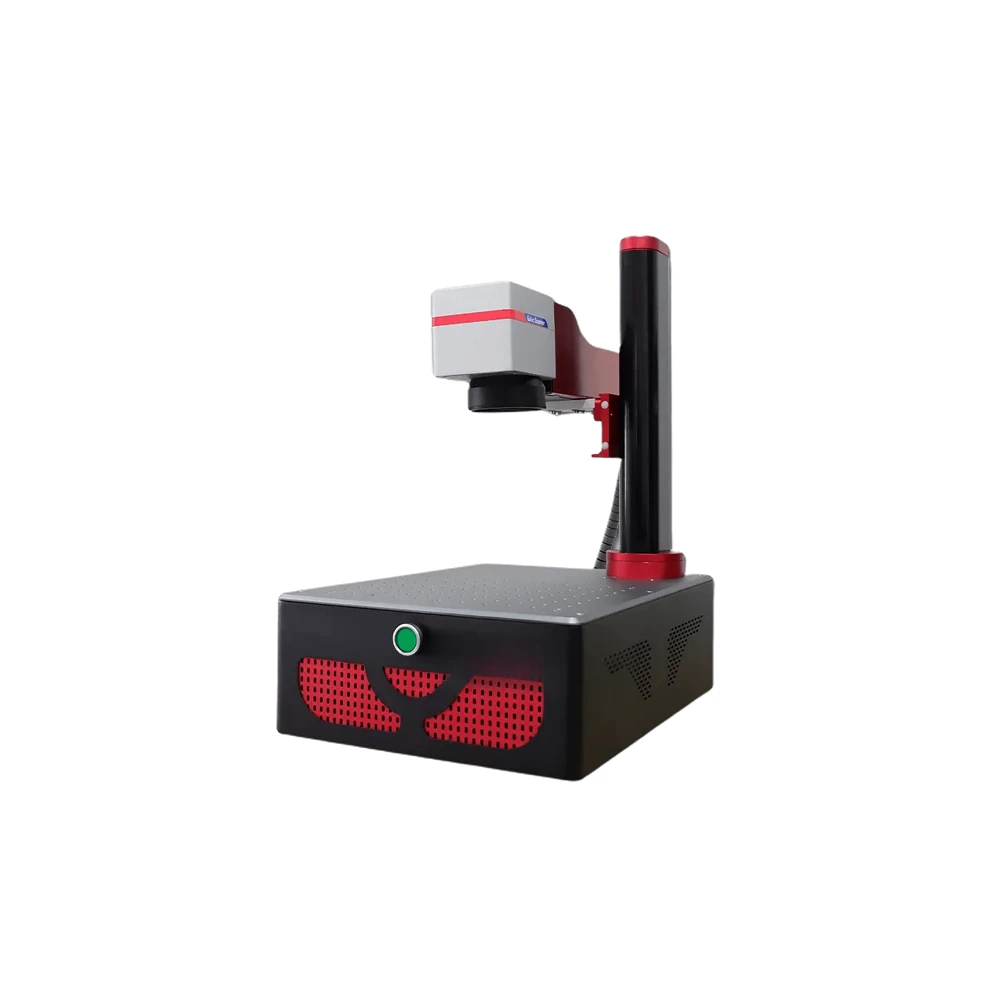
The column folds down for transport and rises into a full workstation when it reaches the customer.
View model