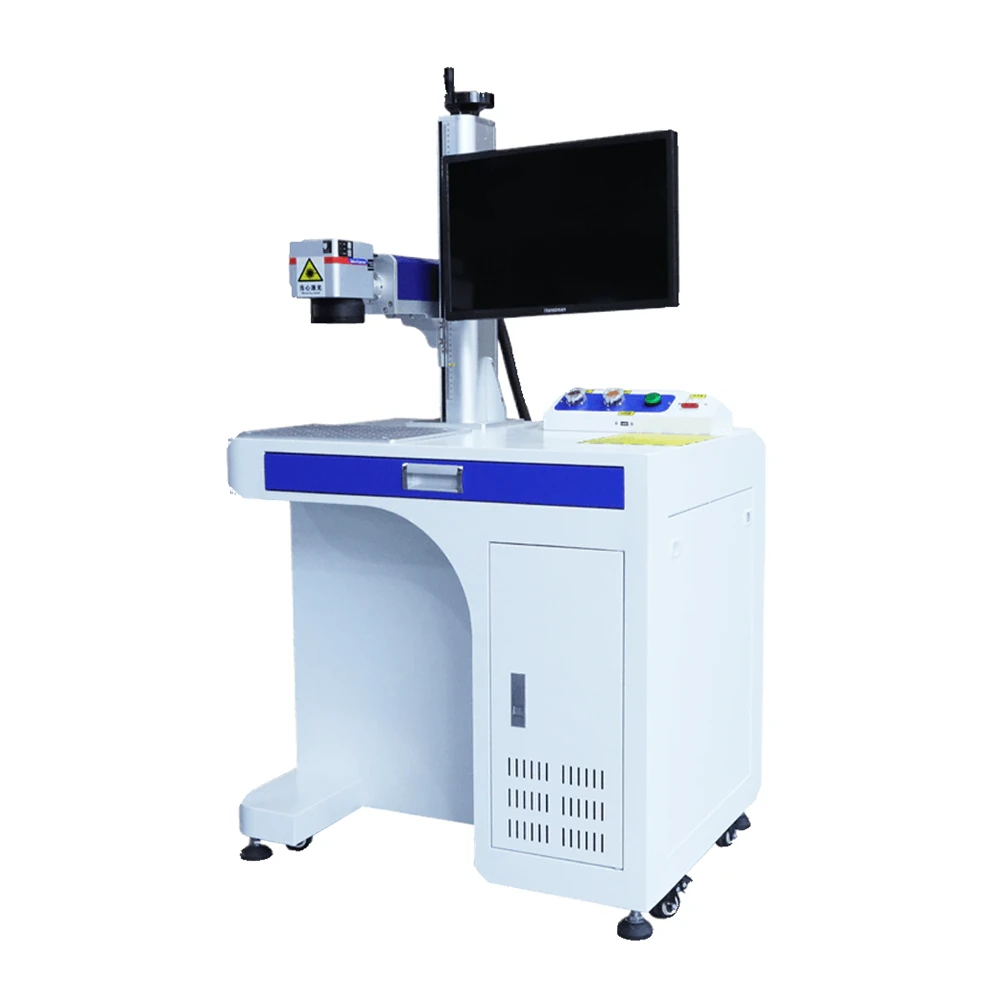
Desktop MOPA Laser Marking Machine
The same bench cabinet with a MOPA fiber source for colour marking on stainless steel.
View modelA 30W, 40W or 60W CO2 marker in a self-contained bench cabinet. The Class 1 laser stays fully inside the enclosure, castors let the whole machine move between work areas, and the lifting column sets focus quickly for batch work on small parts.
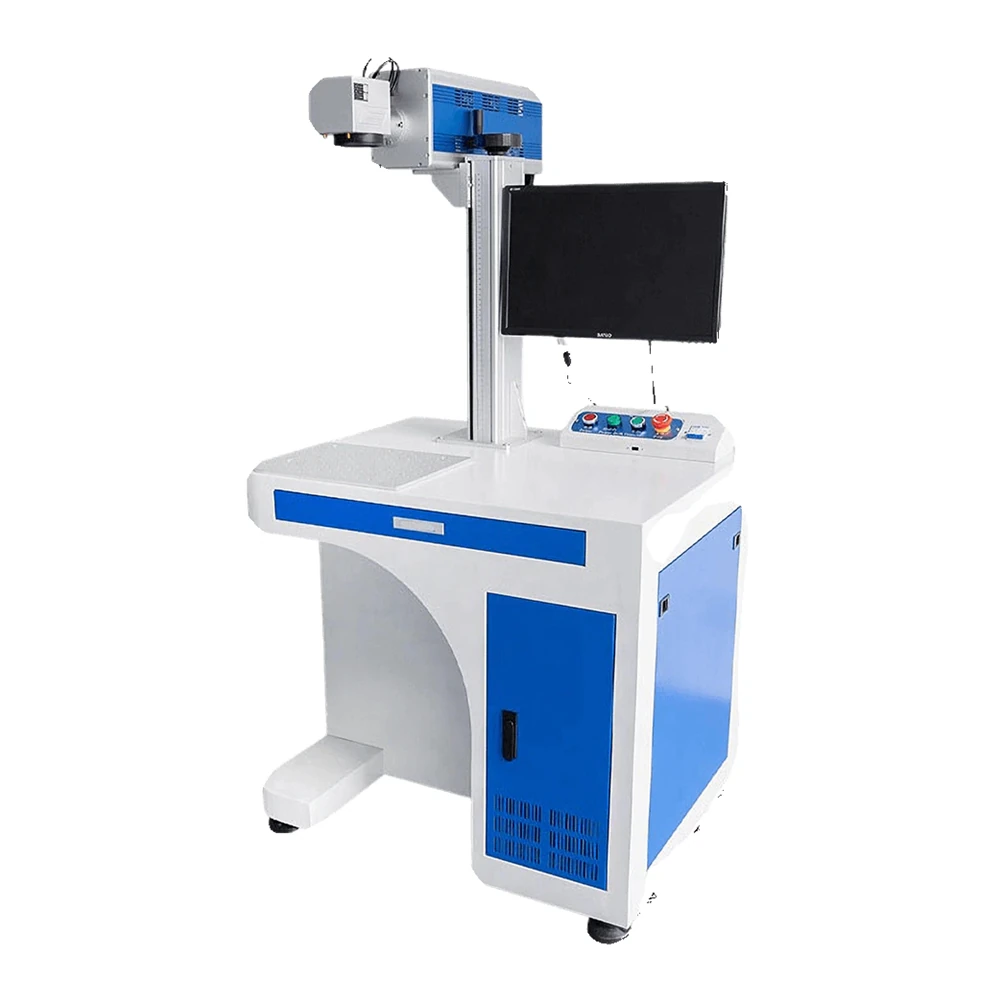
The laser never leaves the cabinet. That single decision is what allows the machine to sit on a bench in an office, a workshop or a school lab.
The Class 1 laser is sealed inside the body, so there is no open beam during marking and no need for a separate laser room.
A dedicated button cuts power and stops the machine immediately, protecting both the operator and the equipment.
The laser supply manages current and switching, while the galvanometer supply feeds the scanners only when they are needed, cutting wear and energy use.
A smoke purifier can be fitted to draw away the fumes and dust that marking wood, leather and plastic produces, keeping the air clean.
A compact cabinet with a serious laser inside. These are the figures that matter when you plan the bench space.
Built-in castors move the unit between rooms, and the integrated drawer keeps tools, fixtures and material samples tidy.
Graduated marks on the column remove guesswork from height setting, so focus is quick and consistent between operators.
The laser module is rated for 24-hour continuous operation, so a bench cell can run a full production day without stopping.
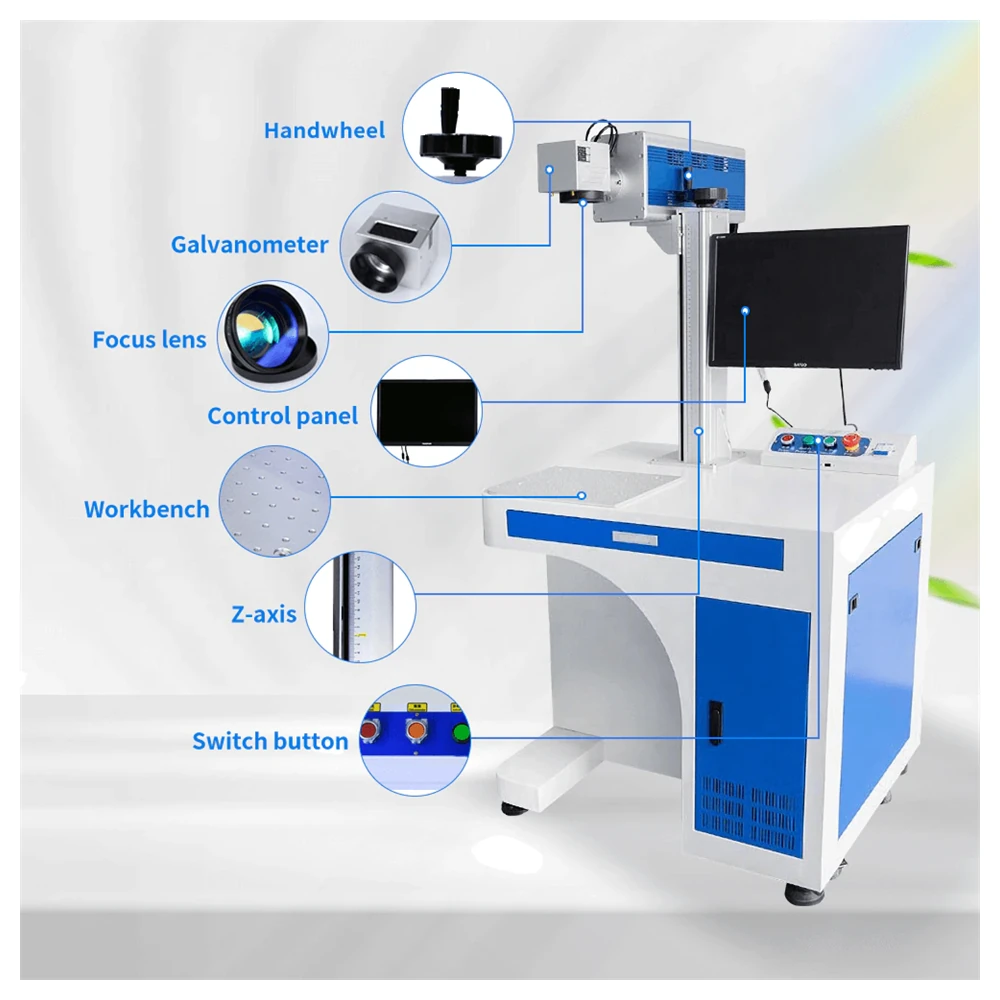
The bench format is fast when parts repeat. Set the focus once, load the fixture and run the batch, rather than re-setting the machine for every piece.
From signage blanks to personalised gifts, the desktop CO2 machine covers the small, precise work that a floor-standing unit would slow down.
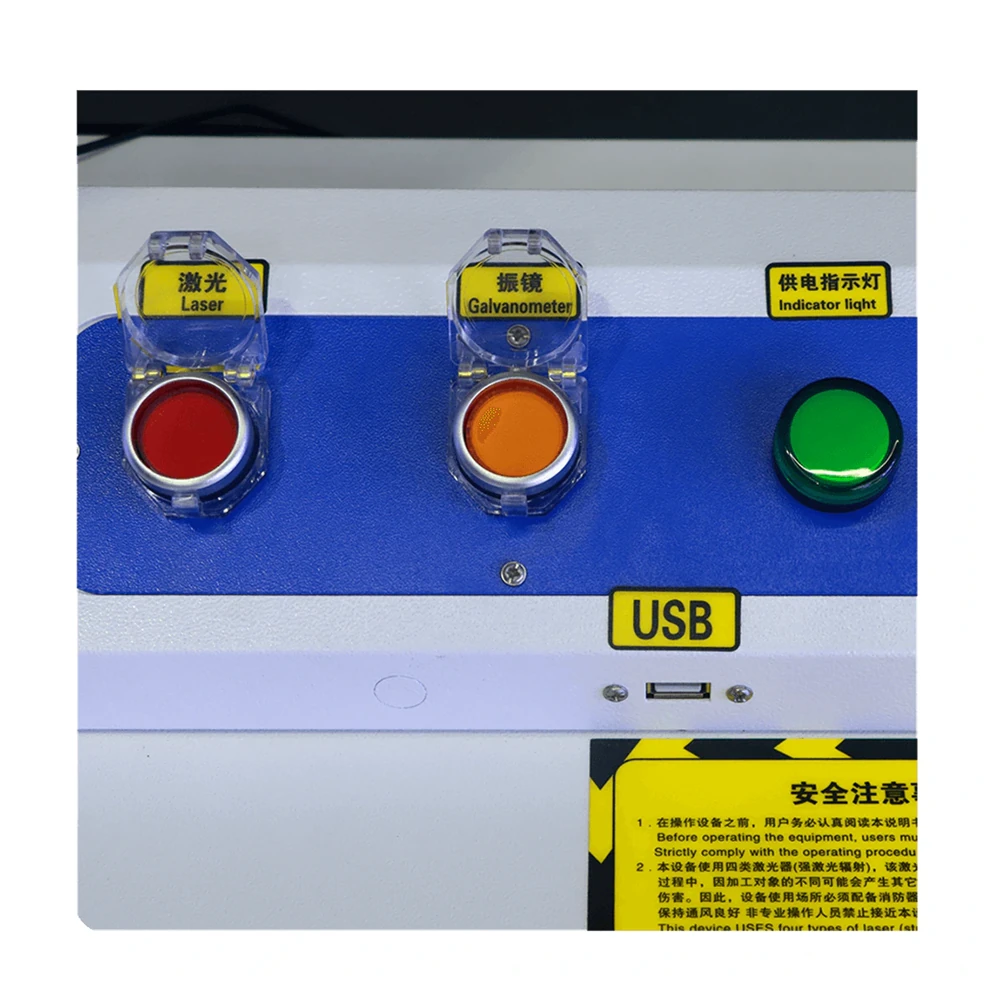
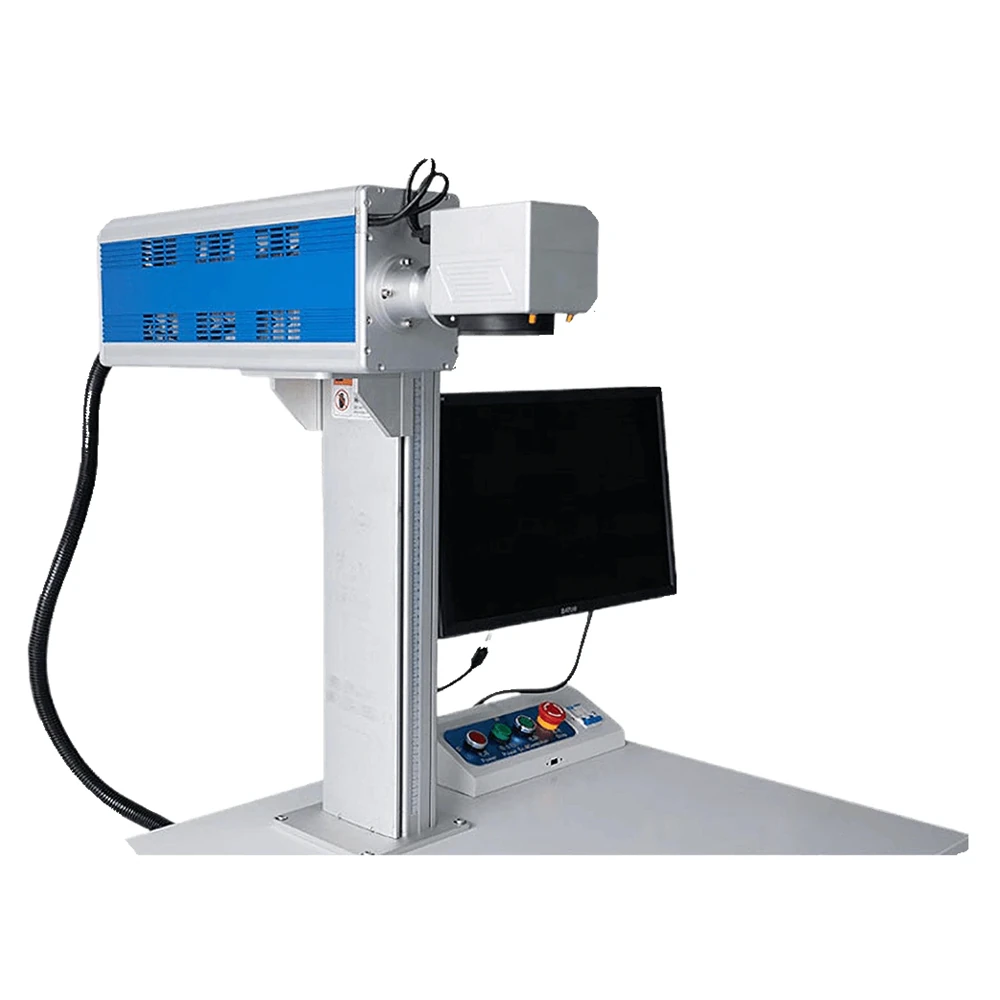
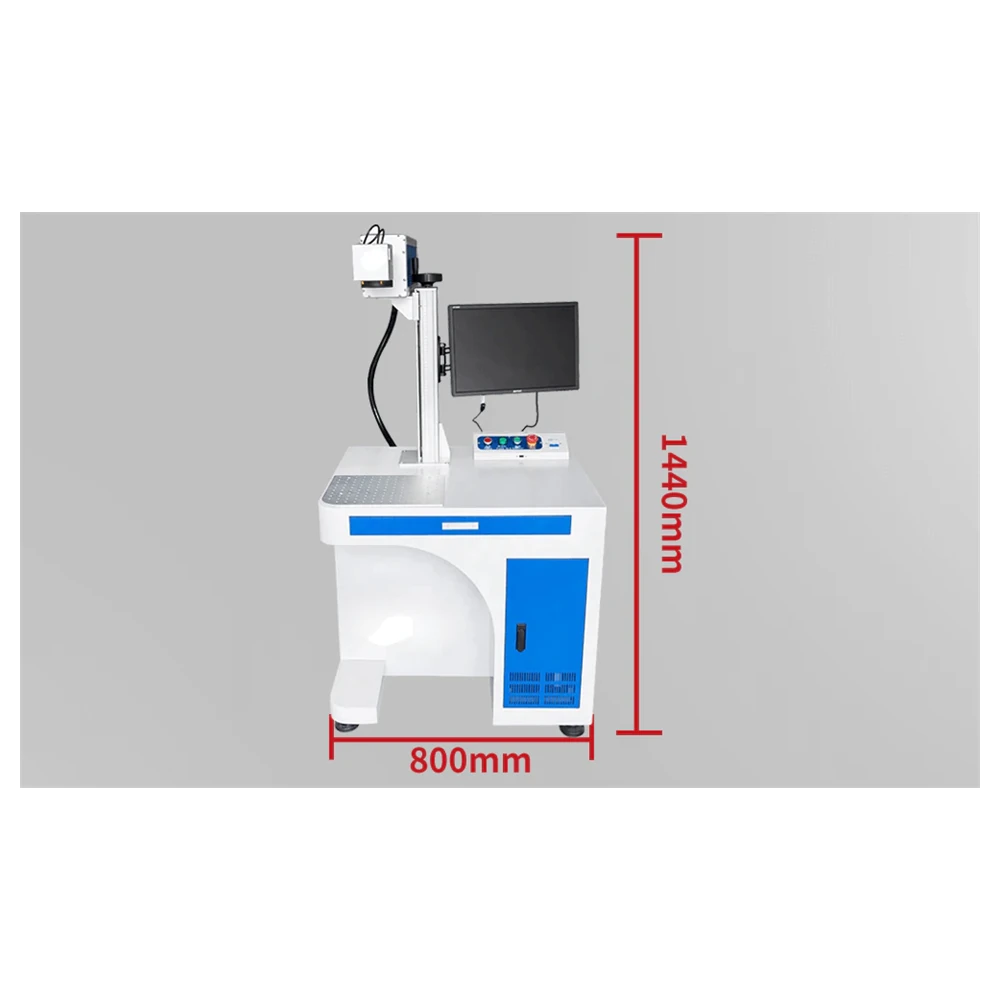
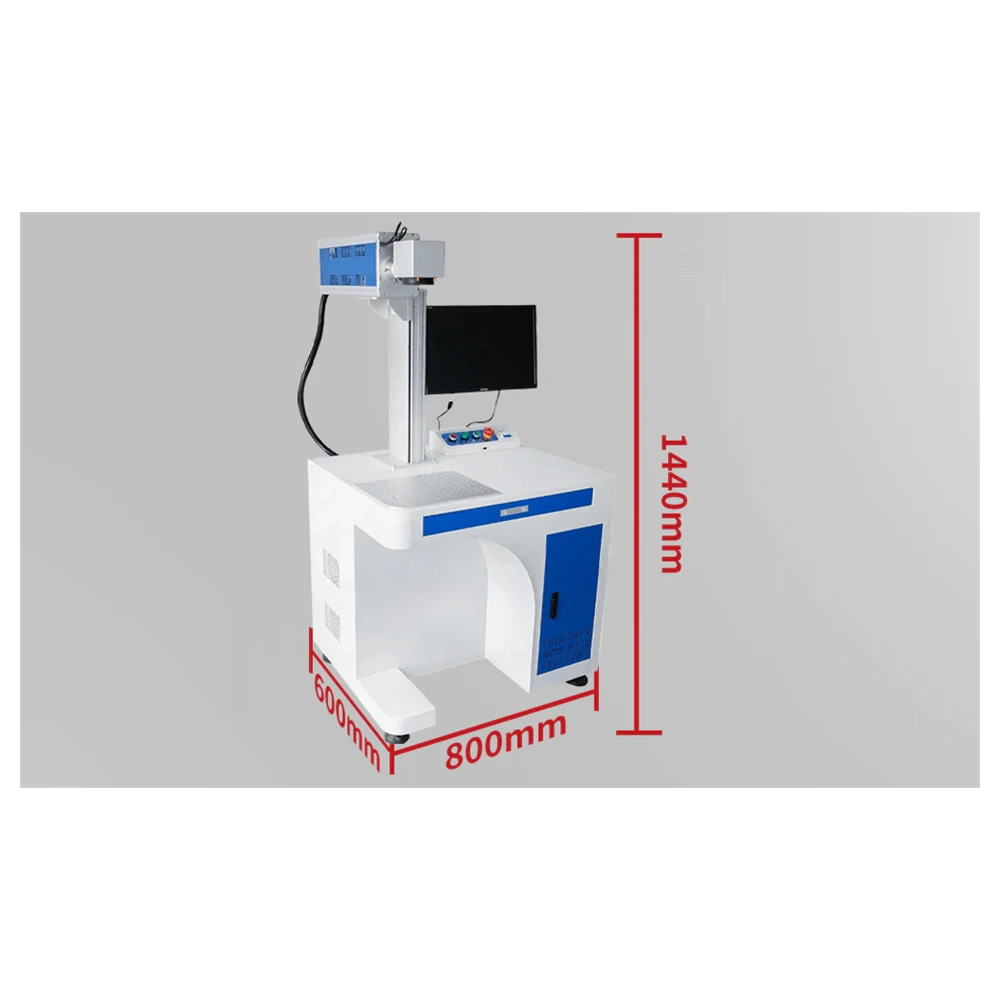
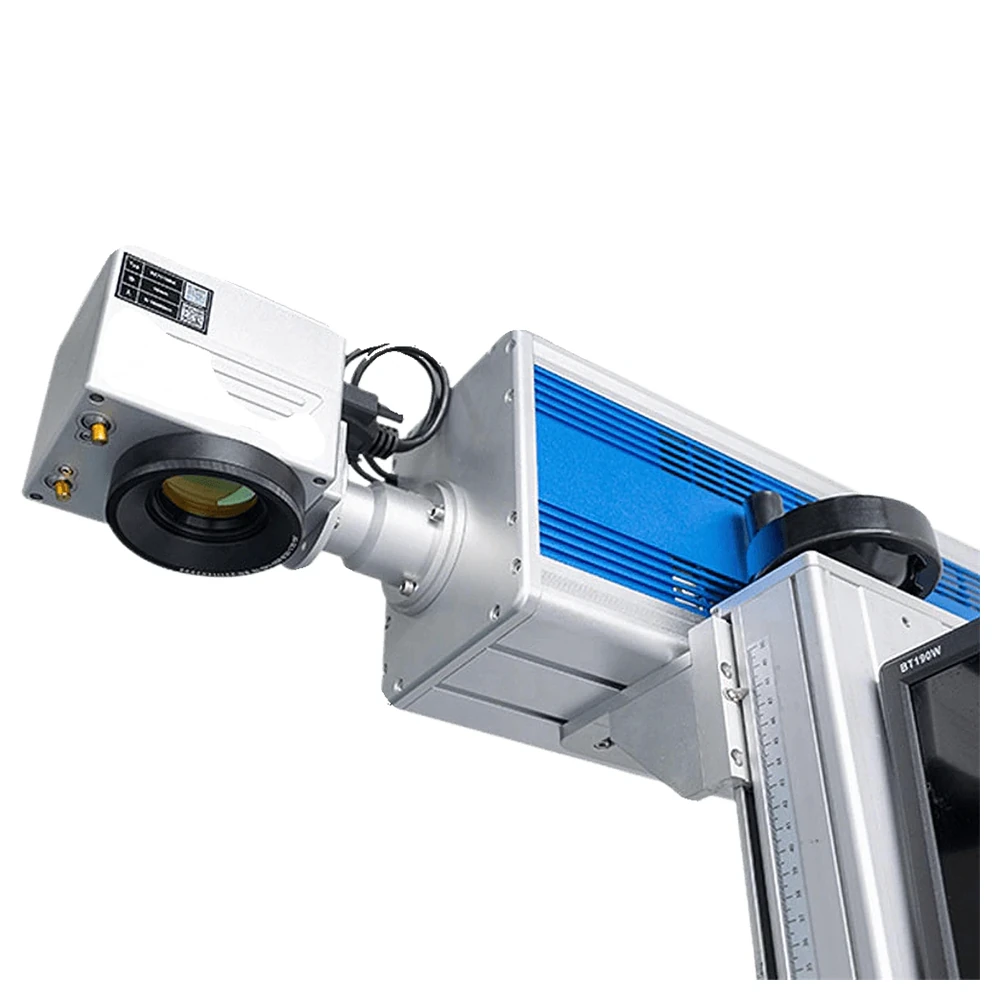
The three models share a cabinet and a controller. Power and its electrical figures are what separate them.
| Parameter | KR-DC30 | KR-DC40 | KR-DC60 |
|---|---|---|---|
| Rated Power | 30W | 40W | 60W |
| Rated Output Power | ≥ 35W | ≥ 40W | ≥ 60W |
| Laser Source | Davi / CRD | Davi / CRD | Davi / CRD |
| Galvanometer | Sino-galvo / ZBTK | Sino-galvo / ZBTK | Sino-galvo / ZBTK |
| Marking Area | 110–300 mm | 110–300 mm | 110–300 mm |
| Laser Wavelength | 10.6 μm | 10.6 μm | 10.6 μm |
| Beam Quality | — | M² < 1.3 | M² < 1.2 |
| Beam Diameter | — | 1.8 ± 0.2 mm | 1.8 ± 0.2 mm |
| Working Frequency | 0–25 kHz | 0–25 kHz | 0–25 kHz |
| Input Voltage | 48V DC ± 2% | ||
| Maximum Average Current | 12.5A | 12.5A | 25A |
| Thermal Load | < 600W | < 600W | < 1200W |
| Cooling Method | Air-cooled | Air-cooled / water-cooled | |
| Machine Size | 600 × 775 × 1430 mm | ||
| Machine Weight | 70 kg | 75 kg | 80 kg |
The KR-DC60 offers a choice of air or water cooling, while the two lower models are air-cooled only. Dual laser operation is available on the KR-DC60; confirm the configuration against your part before production.
The cabinet arrives tested. From there, a batch job follows four simple movements.
Use the scaled column to bring the head to the focus height for your fixture and material.
Drop the jig or nest into the work area so every part in the batch sits in the same place.
Start the program from the control panel and let the enclosed head mark each position in turn.
Swap the finished parts out, reload the fixture and run again with the same settings.
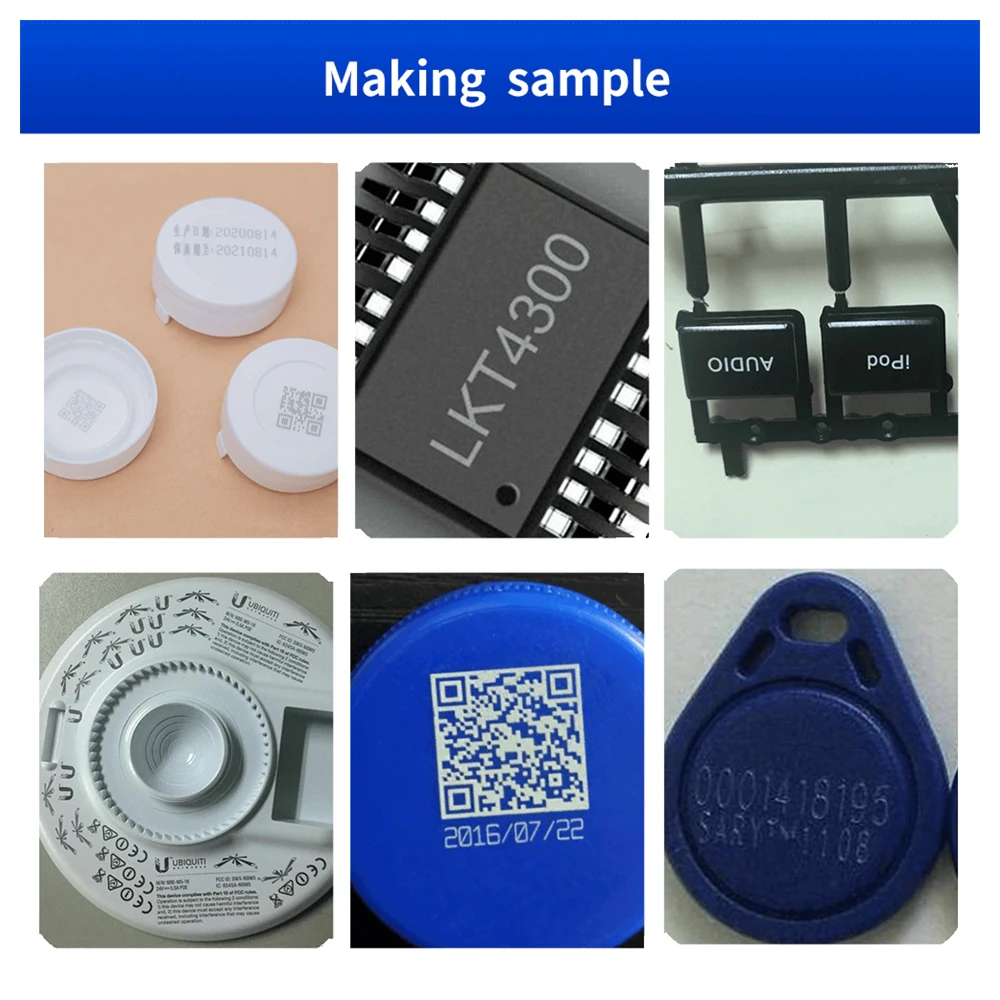
The 10.6 μm wavelength is made for non-metal work, and it can also mark coated metal by removing the coating rather than cutting the metal itself.
Clean engraving and crisp cut detail for signs, gifts and decorative panels straight off the bed.
Frosted marks and edge-lit detail on acrylic, with parameters tuned per sheet to avoid crazing.
Pattern and lettering on leather, plus high-contrast marks on painted and coated metal surfaces.
“We run personalised items in batches of a hundred or more. Because the fixture stays put and the column returns to the same height, the hundredth mark is identical to the first, and the enclosure means we can keep the bench in the shop itself.”
Many beginners find the KR-DC40 a strong choice, because it is operator friendly, accurate and versatile enough for entry level laser marking projects.
It can handle wood and some metal engraving tasks. For faster, deeper engraving on metal, a more powerful model such as the KR-DC60 is recommended.
Yes. It is versatile, accurate and easy to use, which makes it a good fit for makers who work across several materials.
The dual laser option, available on the KR-DC60, brings faster throughput, higher accuracy and more flexibility when working with complex designs.
The machines are designed with safety in mind. The Class 1 laser is fully enclosed inside the cabinet, so there is no exposure risk, and they are suitable for use at home or in an office.
The key factors are laser power, precision and compatibility with the materials you use. The KR-DC30 suits finer work, while the KR-DC60 offers more power for demanding projects.
Always wear protective eyewear, make sure there is proper ventilation, train the operators, keep the machine guard in place and maintain the unit regularly.
It is well suited to etching acrylic, personalising gifts, making signs and engraving patterns on a range of materials, balancing speed and precision for small businesses.
Set the correct focus height, keep the work table level and check the beam path alignment regularly. If a problem appears, contact technical support for help.
Yes. LightBurn works with the KR-DC30, KR-DC40 and KR-DC60, giving strong design and control options for the desktop CO2 range.
If the batch is larger or the material is different, one of these builds may suit better than the bench format.
The same bench cabinet with a MOPA fiber source for colour marking on stainless steel.
View model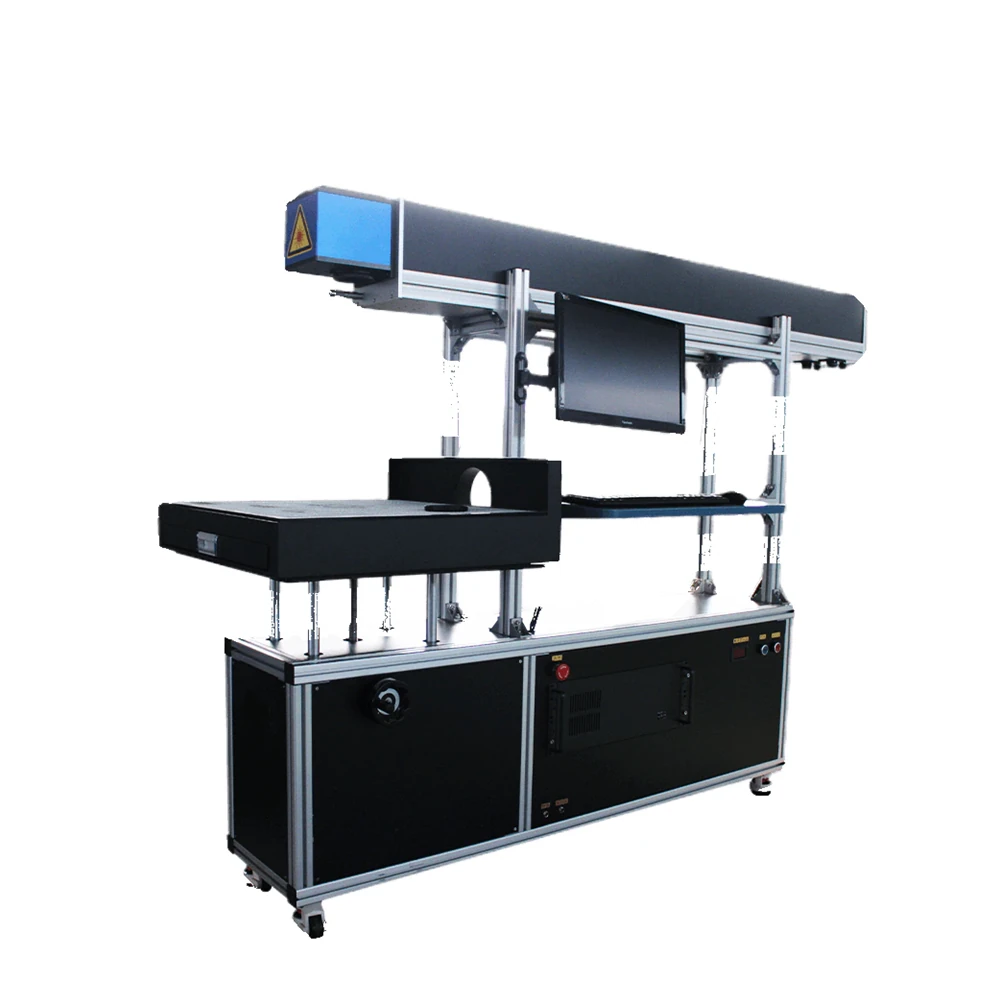
A floor-standing CO2 bed for panels and signage that will not fit a bench cabinet.
View model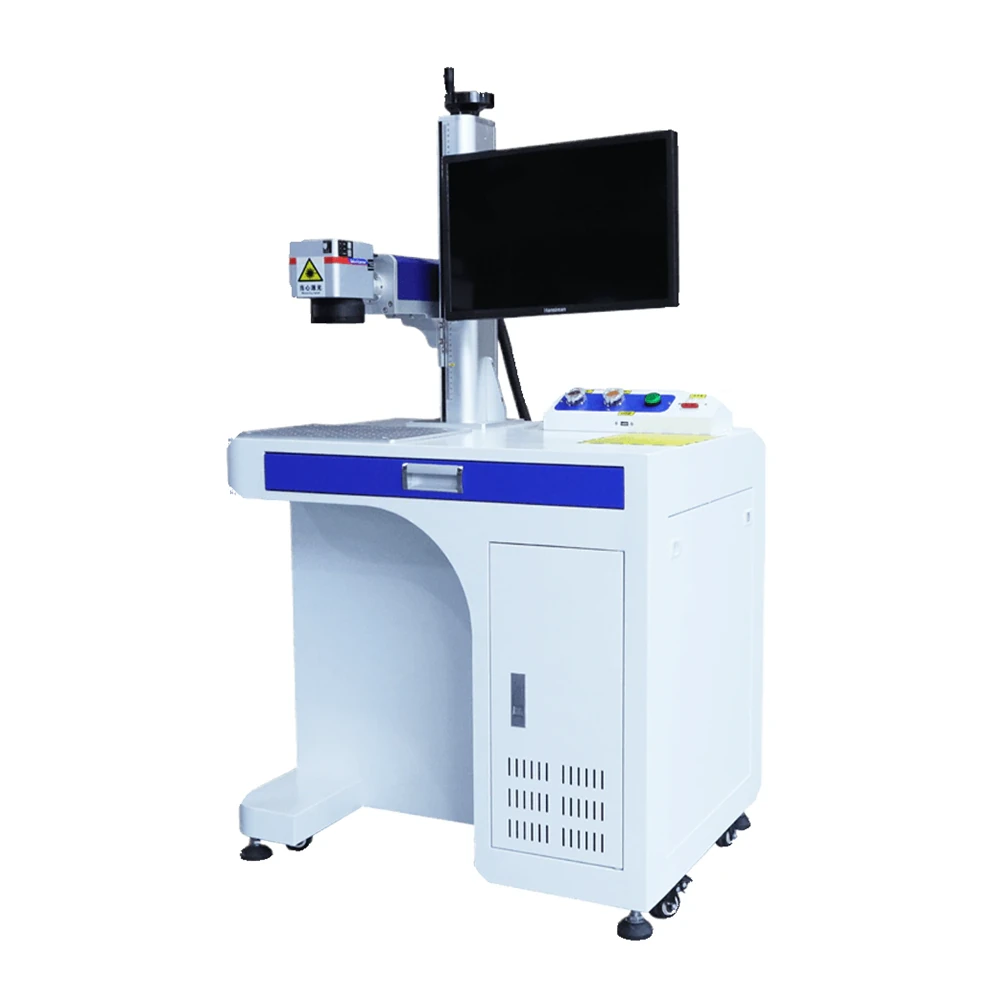
A fiber source in a bench cabinet for metals, with a motorised Z column for batch work.
View model