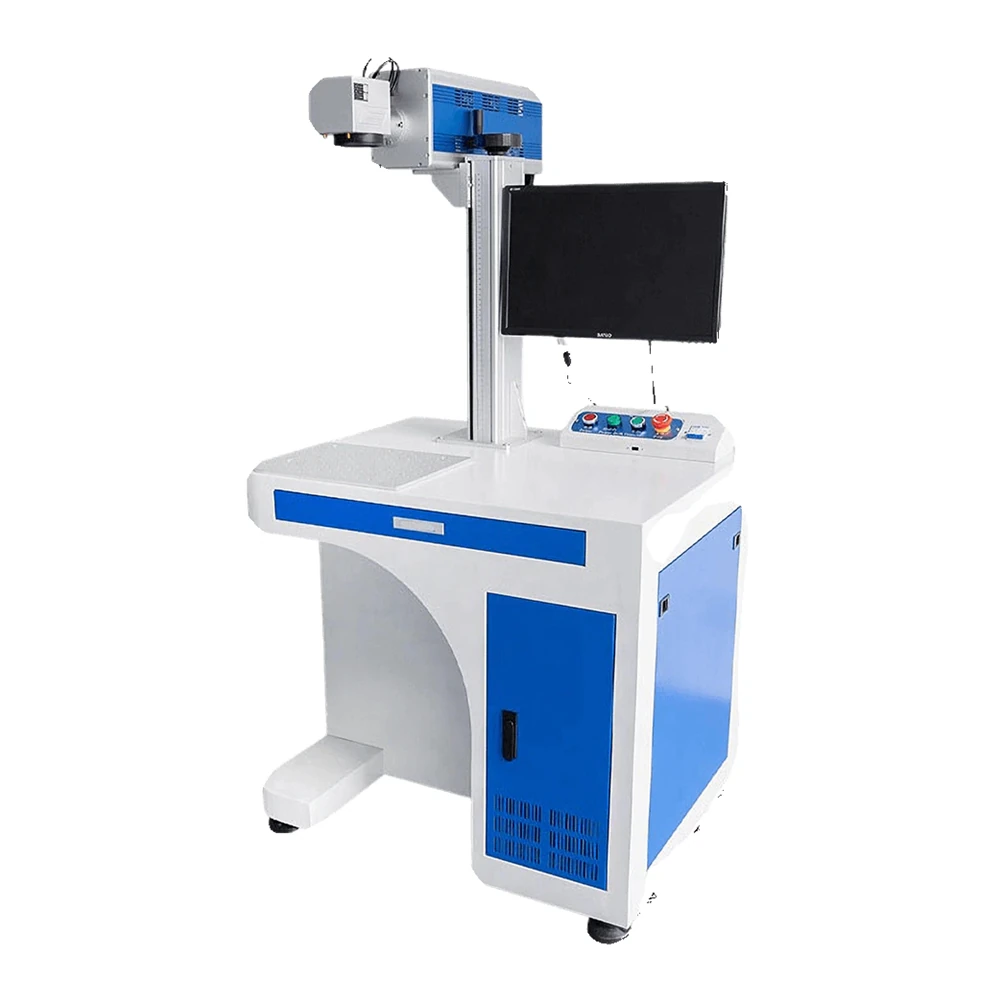
Desktop CO2 Laser Marking Machine
The same bench format with a CO2 source for wood, acrylic, leather and coated metal.
View modelA 20W to 100W JPT MOPA marker in a mobile bench cabinet. Adjustable pulse width turns stainless steel into a colour palette, while the same source delivers deep black marks on metals and clean codes on coated materials — all inside a Class 1 enclosure.
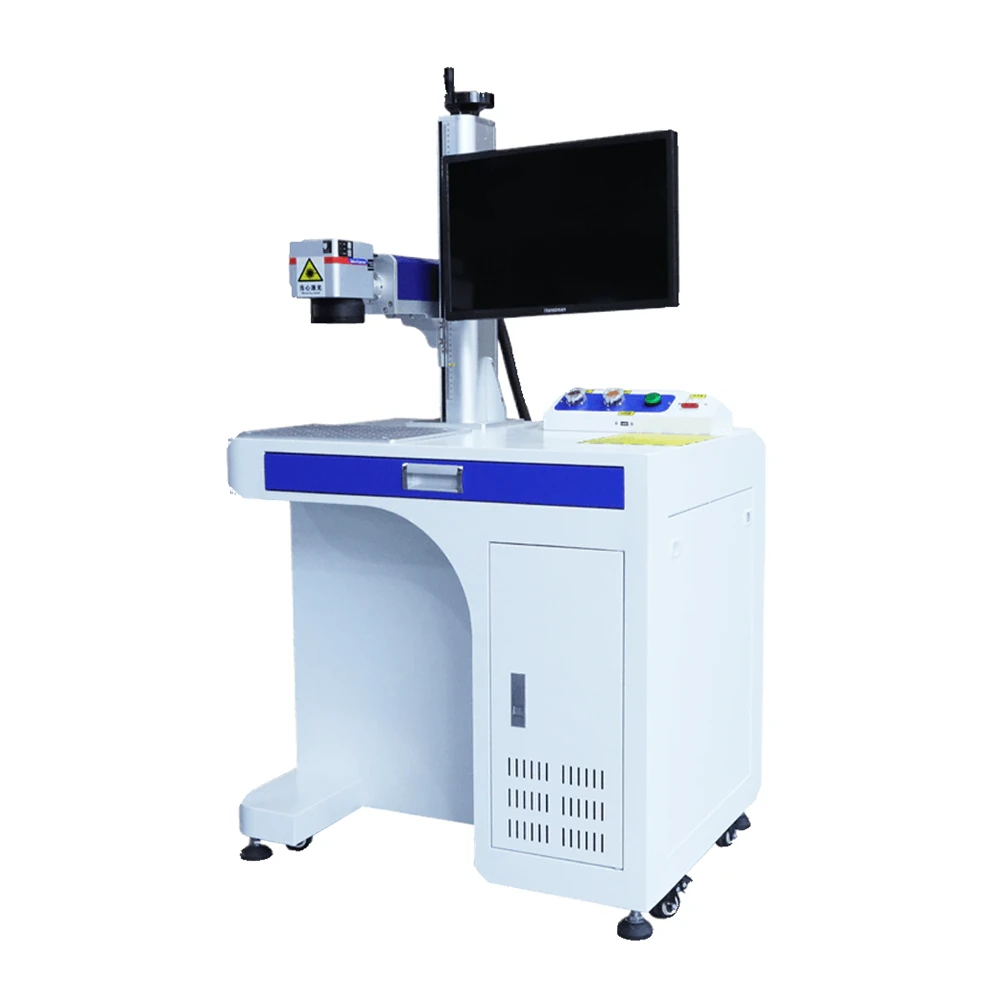
A Q-switched fiber laser has a fixed pulse character. A MOPA source lets you shape the pulse, and that control is exactly what produces colour instead of a grey mark.
The MOPA architecture separates pulse width from repetition rate, so the heat delivered to the surface can be tuned instead of fixed.
On stainless steel a thin oxide layer forms at the surface. Its thickness sets the colour, so the beam controls hue rather than just contrast.
The same source produces deep black marks on stainless and other metals, with no ink, film or coating involved.
Once a colour is approved, the pulse and frequency settings are saved as a recipe, so the next batch starts from the same result.
The references below are produced on stainless steel coupons, the same way we would prove a recipe for your part before production.
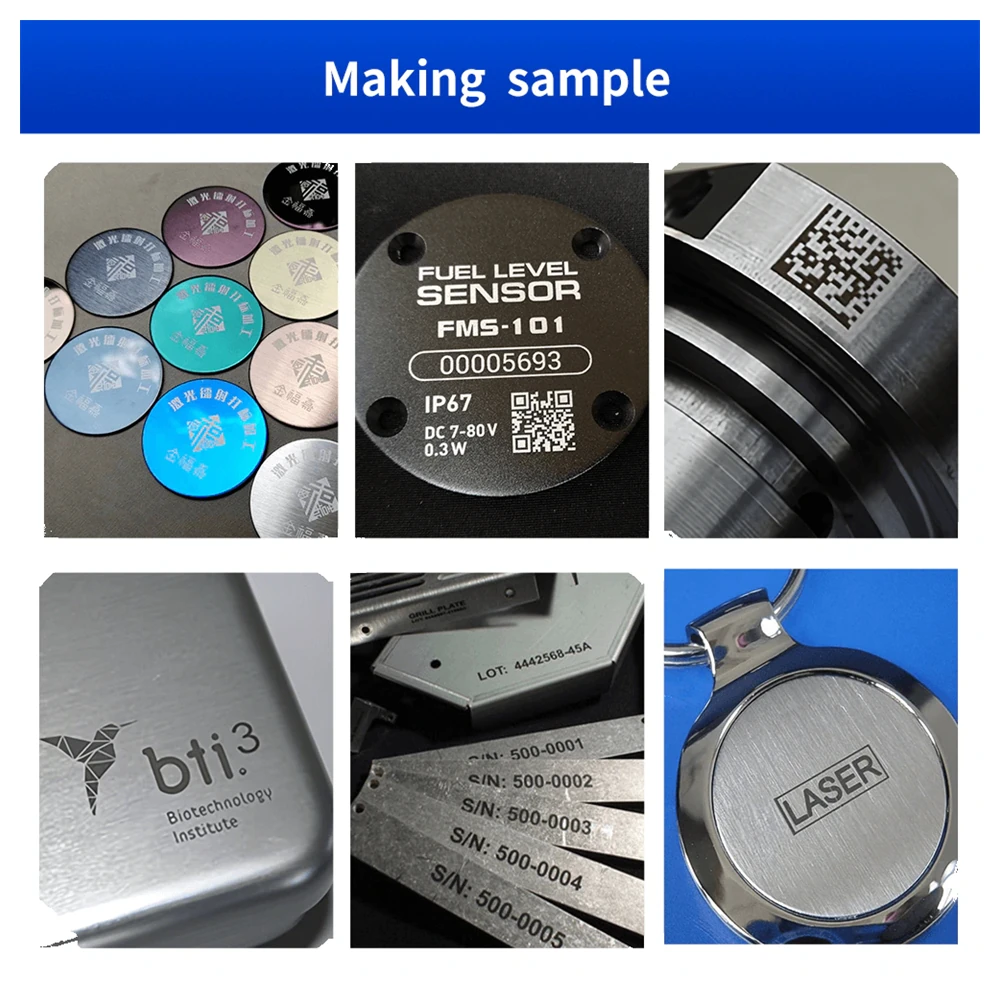
Longer, lower-energy pulses build warmer shades on stainless steel, useful for premium branding and decorative detail.
Shorter, denser pulses push the oxide toward cooler shades, giving a second family of colours from the same machine.
At high overlap the surface turns a solid, durable black, which is the choice for data plates and machine-readable codes.
Two settings do most of the colour work: how long each pulse lasts, and how closely the pulses are spaced across the surface.
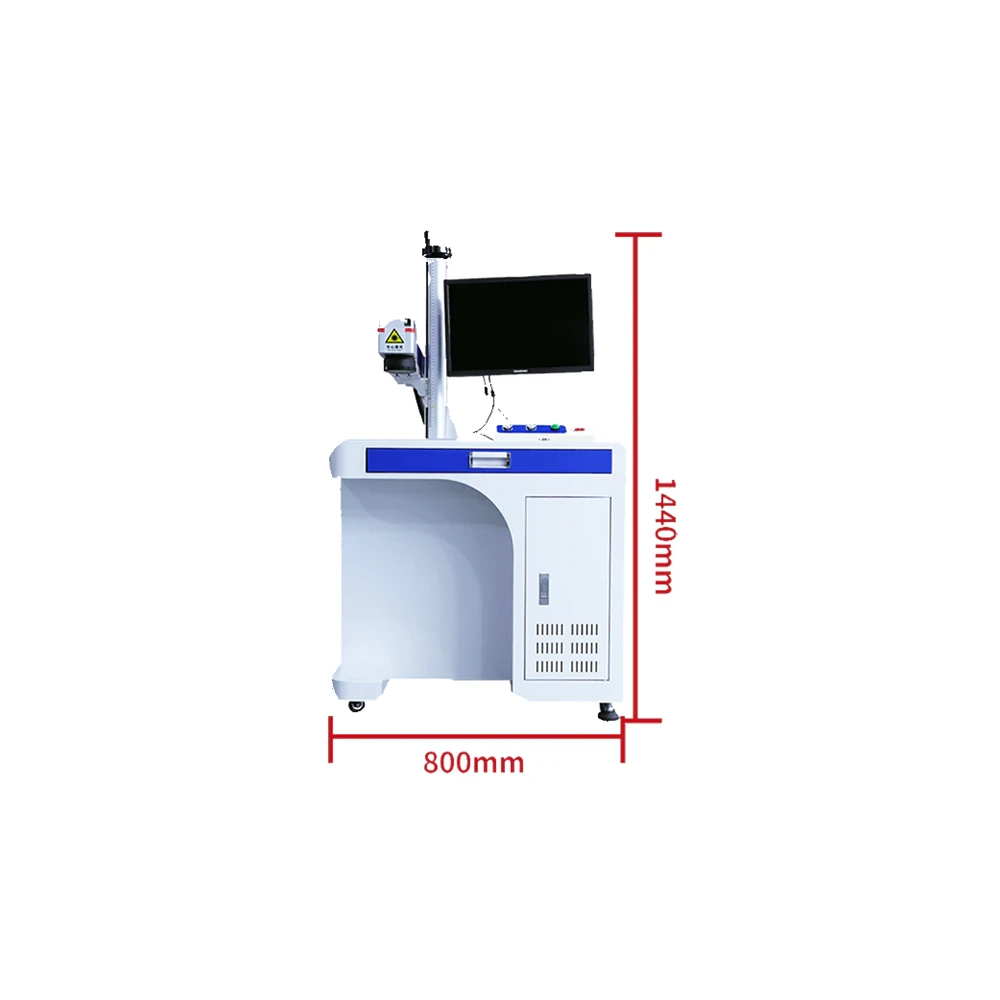
All four models share the cabinet and the 65 kg frame. Power and beam quality are what change across the range.
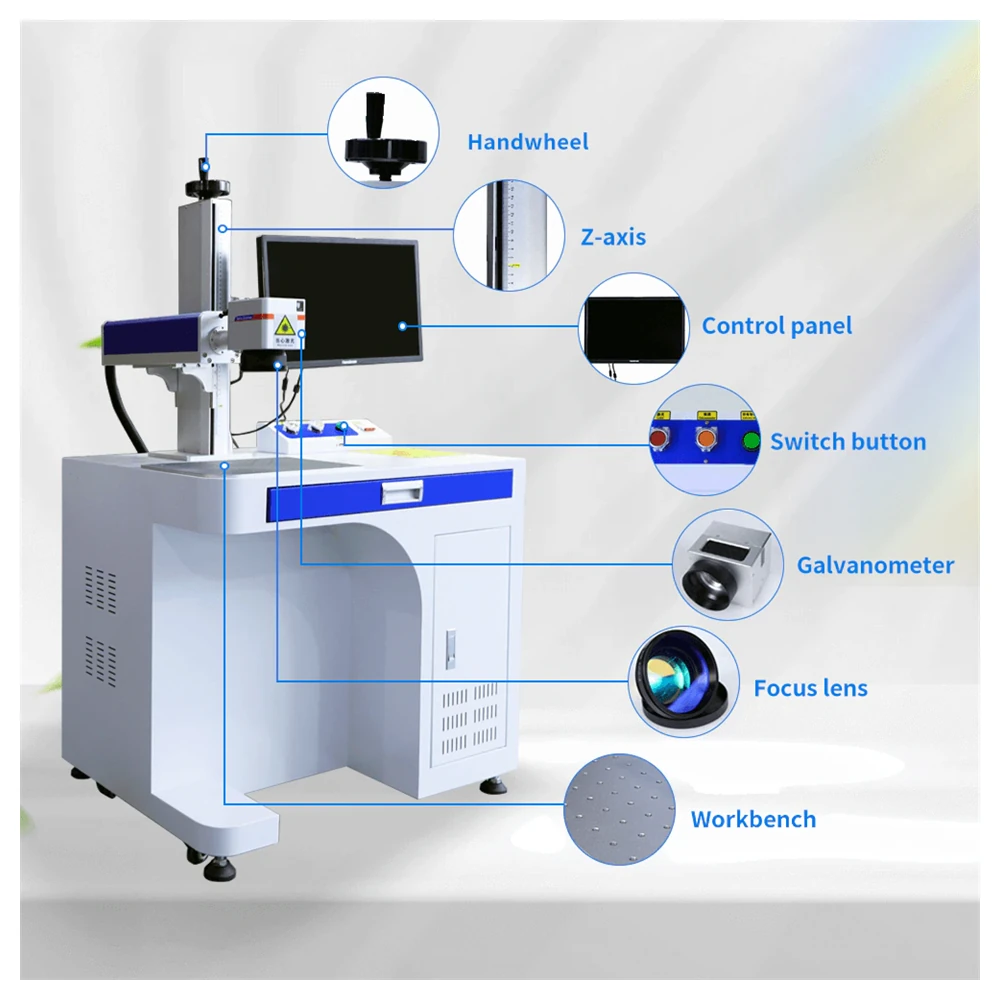
A clear interface and generous storage keep the workstation organised and the operator focused on the job.
Castors and a 65 kg frame let the unit be repositioned quickly, which suits a shop that changes layout often.
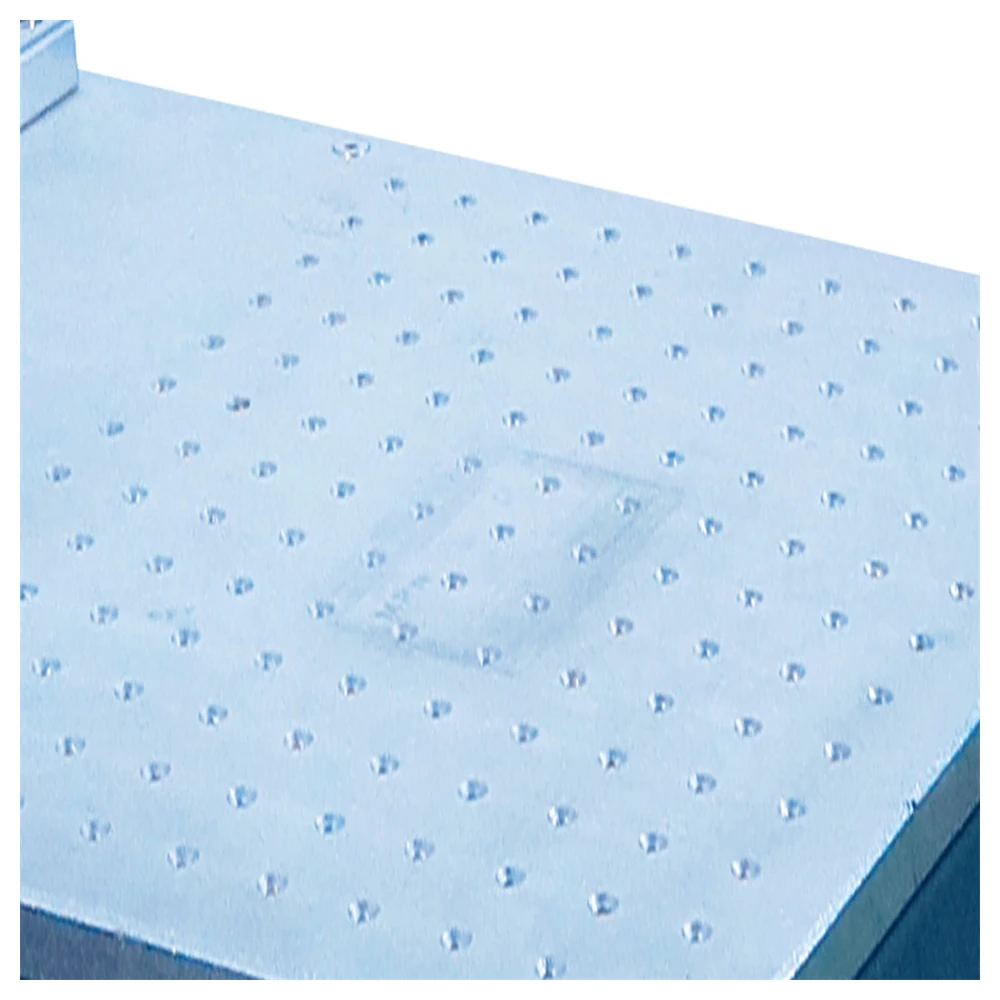
The table spreads heat and resists corrosion, which keeps part location stable through long colour runs.
Four power steps from one platform. Every figure below comes from the machine datasheet.
| Parameter | KR-MOPA20D | KR-MOPA30D | KR-MOPA60D | KR-MOPA100D |
|---|---|---|---|---|
| Rated Power | 20W | 30W | 60W | 100W |
| Laser Source | JPT / GZTECH | |||
| Marking Area | 110–300 mm | |||
| Beam Quality | < 1.4 m² | < 1.4 m² | < 1.5 m² | < 1.6 m² |
| Average Output Power | > 20W | > 30W | > 60W | > 100W |
| Power Consumption | < 110W | < 150W | < 330W | < 440W |
| Central Wavelength | 1064 nm | |||
| Supply DC Voltage | 24V | |||
| Beam Diameter | 7 ± 0.5 mm | |||
| Cooling Method | Air-cooled | |||
| Machine Size | 600 × 775 × 1430 mm | |||
| Net Weight | 65 kg | |||
Colour output depends on the material and its surface finish, not on power alone. Recipes are proved on a coupon of your own stainless steel before the machine is specified. EZCAD3 support is available on selected versions for 2.5D relief work.
Colour marking is a recipe-based process. These four steps are how a shade moves from a test coupon to a repeatable production part.
Run a grid of pulse widths and frequencies on the actual material and finish you will mark in production.
Compare the grid against the approved colour and note the pulse width and frequency that produced it.
Store the settings under a job name so the same colour can be recalled without repeating the trial.
Load the recipe, mark the batch and check the first and last parts against the approved coupon.
The MOPA source runs at a power that would be a hazard in the open. In this cabinet it never is, which is what makes the bench format practical.
The beam stays inside the enclosure for the whole job, so no protective goggles are needed while the door is closed.
A single button cuts power and halts the machine, protecting both the operator and the workpiece in an emergency.
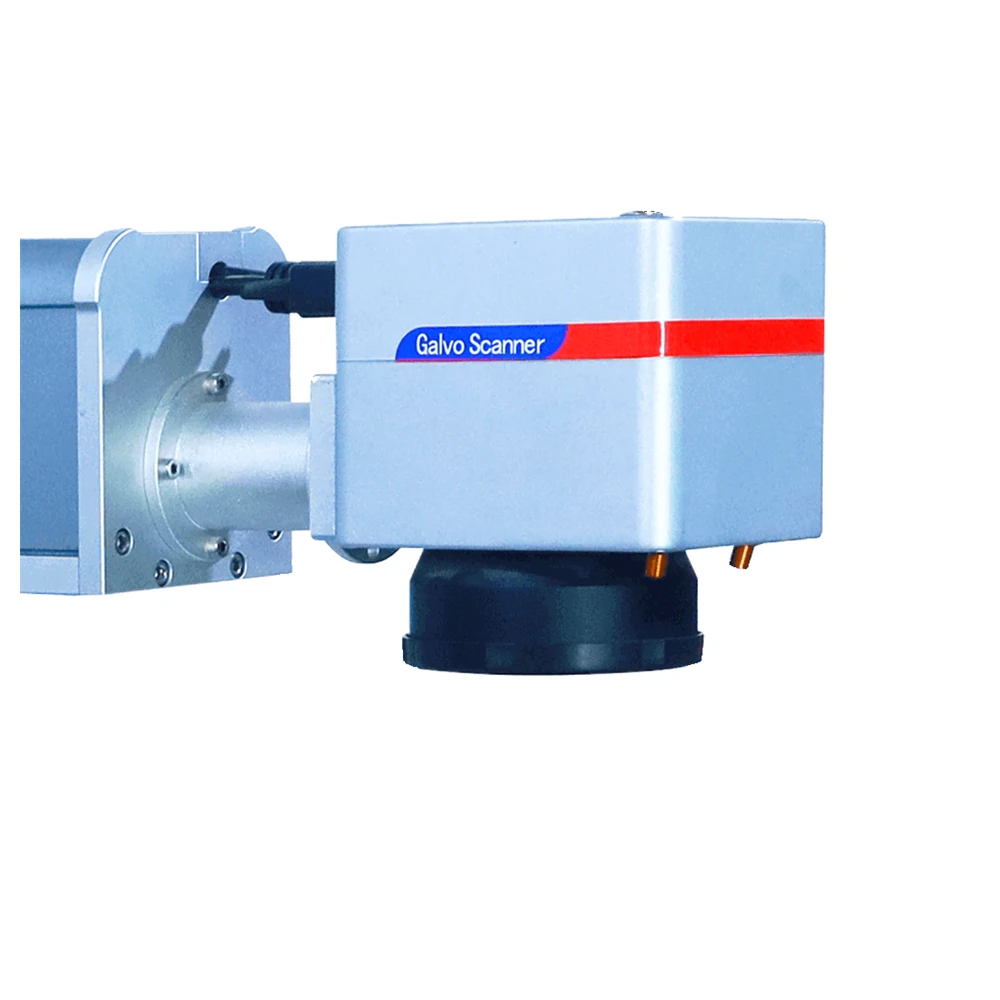
The controller powers the galvanometer only when it is needed, which lowers energy draw and reduces wear on the scanner.
“We wanted a colour logo on stainless without paint or a sticker. The MOPA cabinet gave us a repeatable shade straight from a saved recipe, and the same machine marks the black traceability code next to it.”
A MOPA marker has better pulse dynamics than a Q-switched fiber laser. Each mark is more precise, and the finished appearance on the material is of higher quality.
The machine is built for durability with very low maintenance, but for best performance we recommend periodic checks and cleaning of the lens, the galvanometer and other parts.
We supply a full user manual and training videos that walk through setup and operation. Our support team also offers video demonstrations and remote assistance by WhatsApp, WeChat and email.
A standard machine usually ships within 3 to 5 days. Machines customised to a specific requirement take 7 to 10 days.
Yes. It can be integrated into an automated production line, which suits high volume environments that need consistent output.
Yes. It marks colour on metals such as stainless steel. By adjusting pulse width and frequency a range of colours can be produced, adding value and customisation options.
It covers metals such as stainless steel, aluminium and titanium, plus plastics, ceramics and coated materials, which suits many industries.
Yes. The interface is intuitive, so even operators new to laser marking can use it. Basic training from SP is recommended so operators work safely and effectively.
Yes. Every desktop MOPA machine carries our standard warranty covering manufacturing defects, together with technical support and repair service.
It is compatible with advanced marking software such as EZCAD, which supports design work, parameter adjustment and integration with several file formats.
If colour marking is not the priority, these builds cover non-metal work or a separated head for line integration.
The same bench format with a CO2 source for wood, acrylic, leather and coated metal.
View model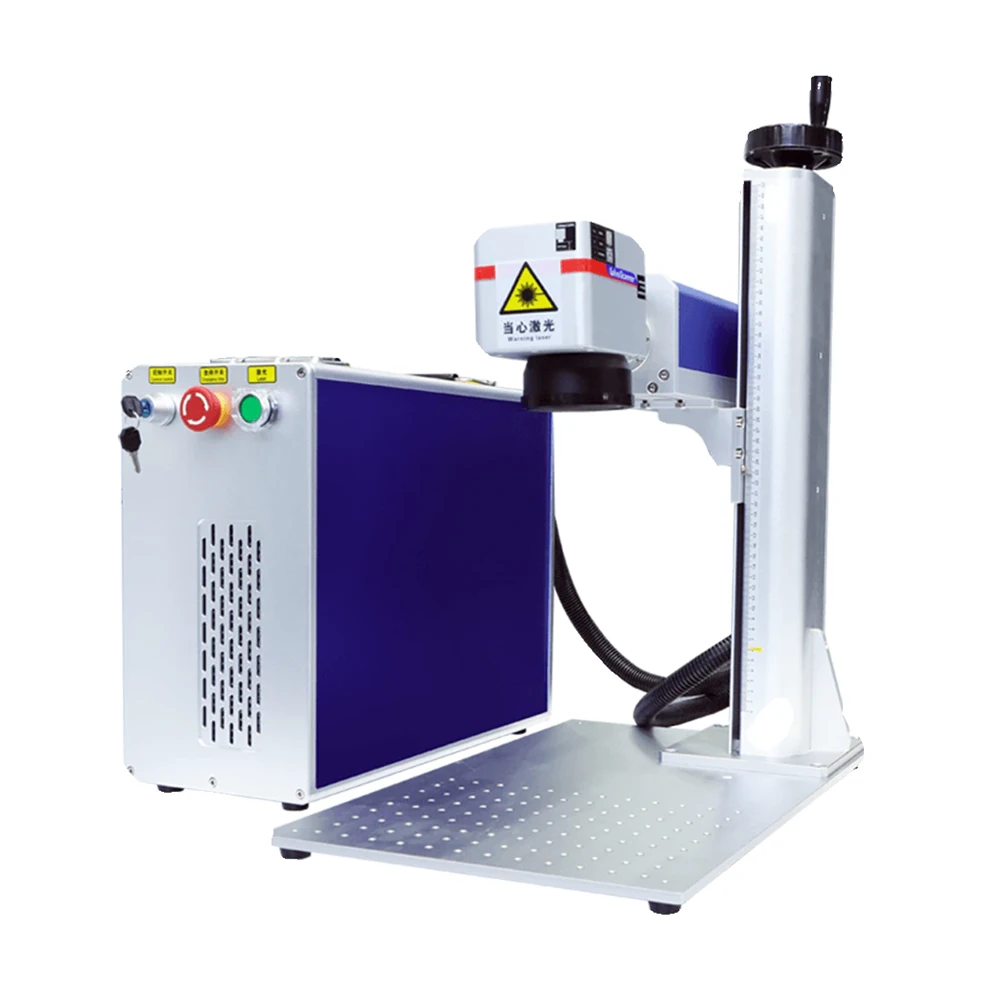
The MOPA source separated from the head for gantry, robot and conveyor integration.
View model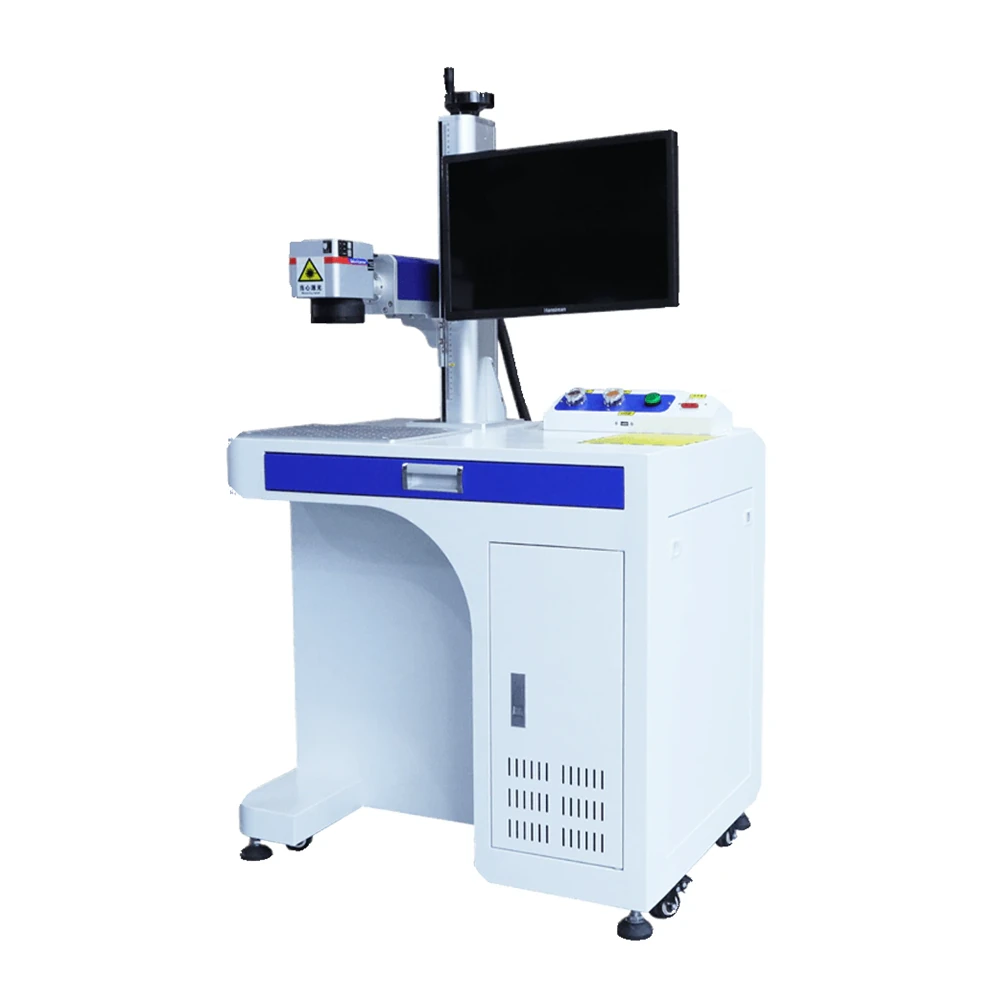
A standard fiber source in a bench cabinet for deep metal marking and engraving.
View model