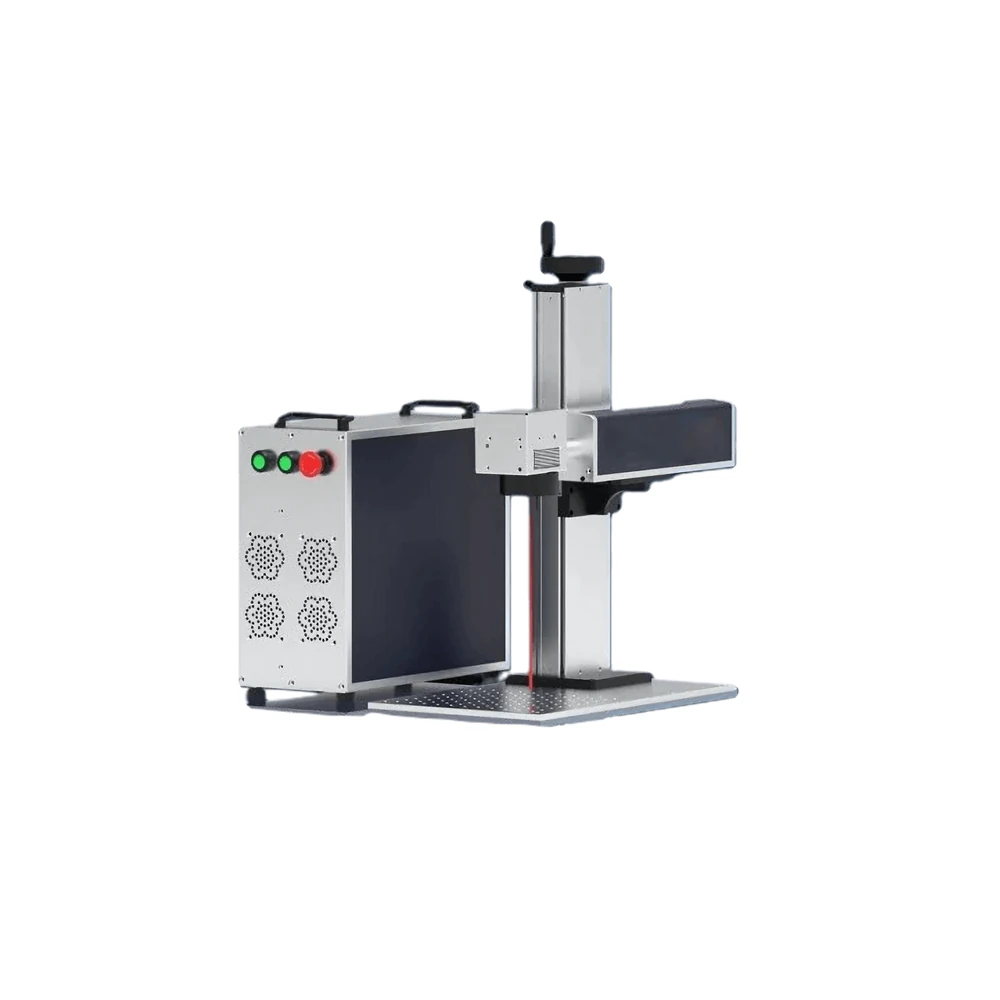
Split-Type Laser Marking Machine
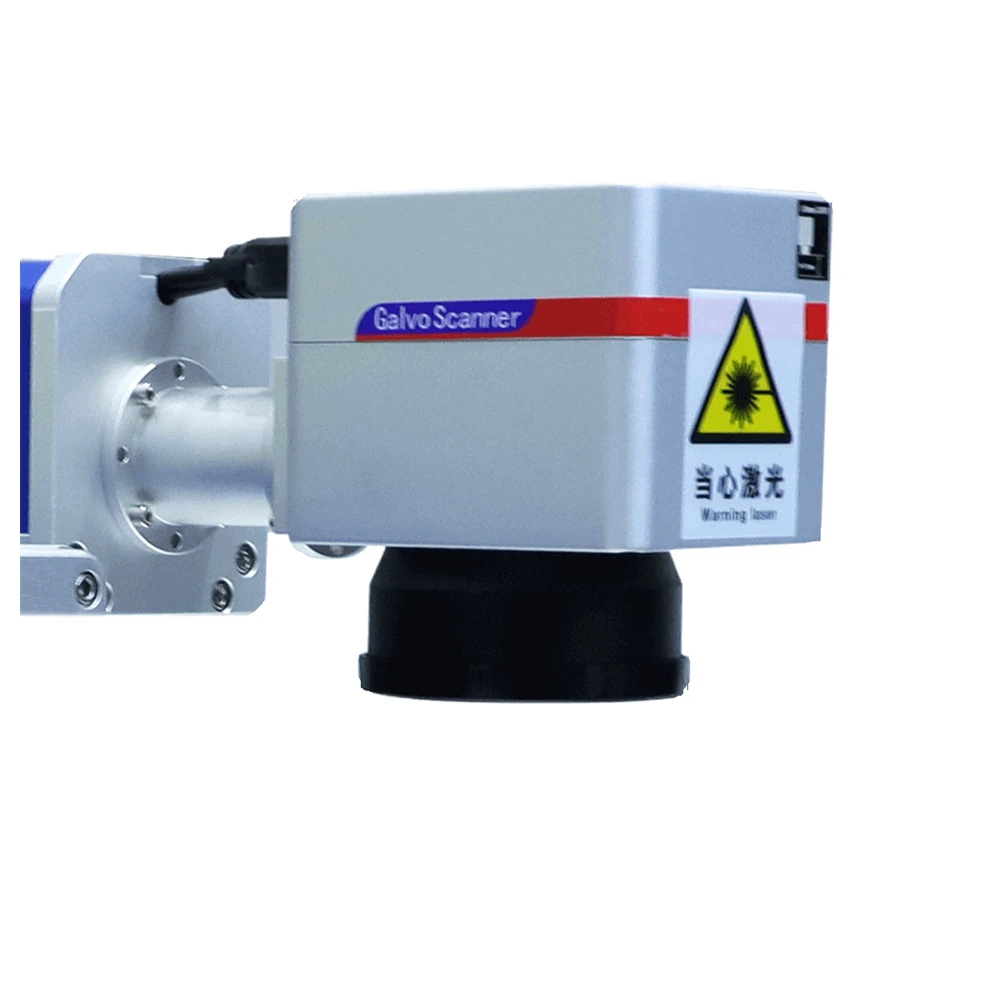
The same fiber source with the marking head separated from the cabinet, for gantry, robot and conveyor mounting.
View modelA sealed 70 kg cabinet on a bench, running 20W to 100W with dual red-light focusing, EZCAD2 job recall and a fixture plate that puts every part in the same place. Built for shops where the same marking job repeats all day.
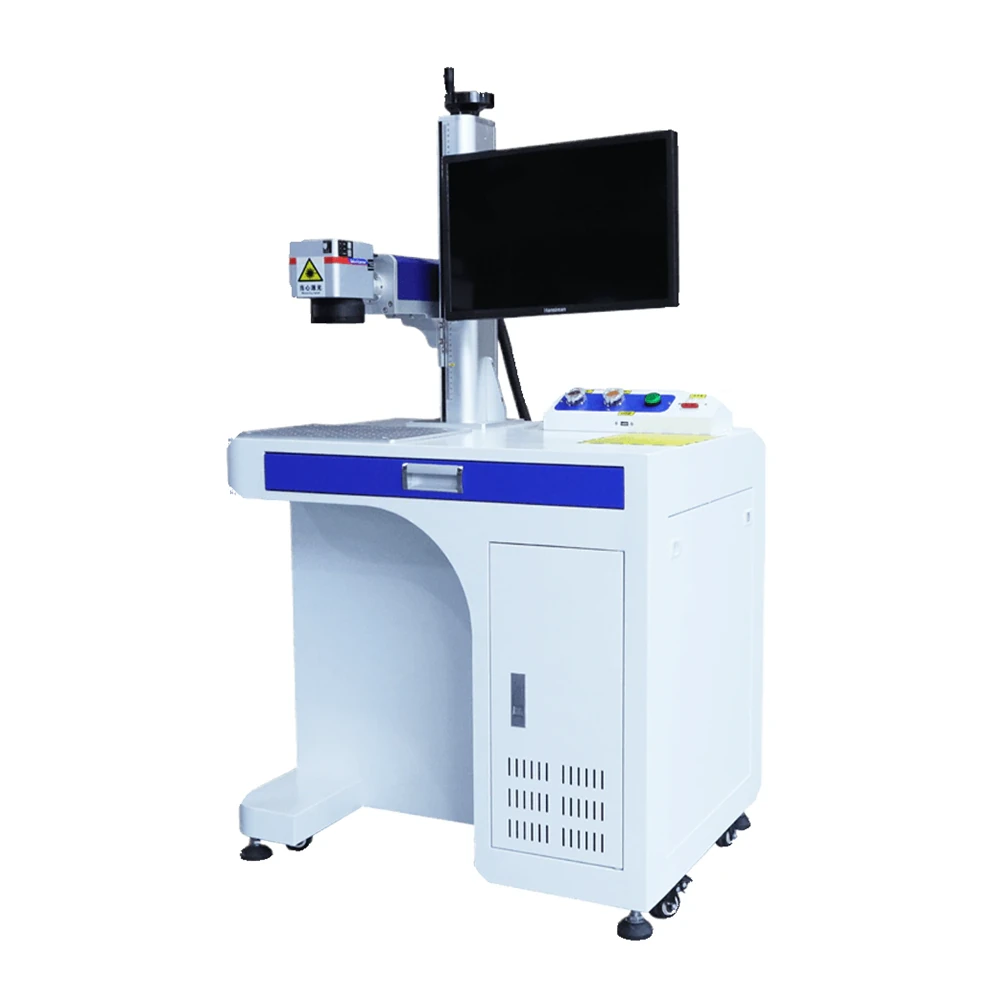
A desktop marker runs hundreds of cycles a day at arm's length from the operator. Sealing the optical path is not an accessory on this machine, it is the reason the cabinet is built the way it is.
On a desktop machine the laser is rarely the bottleneck. The handling around it is, so the cycle is designed around load and unload.
The part drops onto the aluminium plate against the locating holes or into a custom fixture, so it cannot shift between cycles.
Dual red-light beams merge at the focal point. If the two dots become one, the working distance is correct and the operator can start.
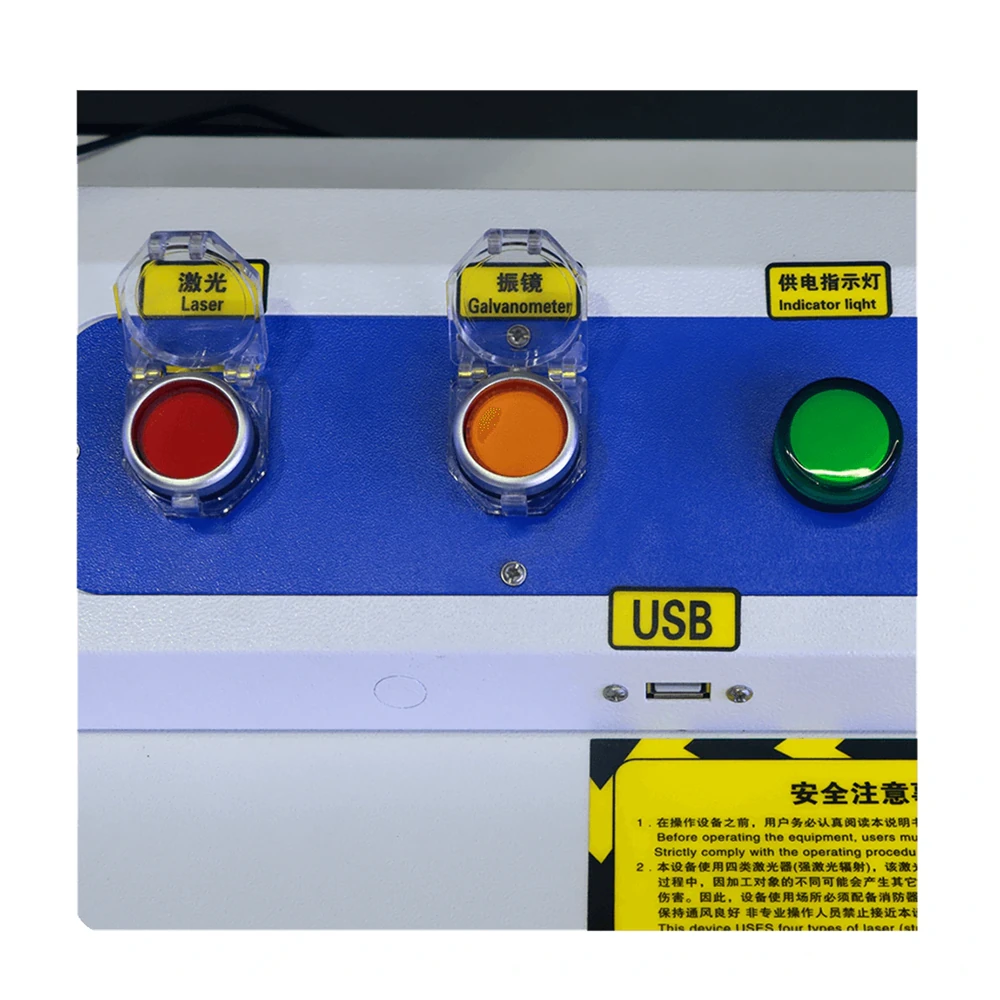
One button recalls the program. The scanner marks at up to 7,000 mm/s while the air-cooled source runs without consumables or warm-up pauses.
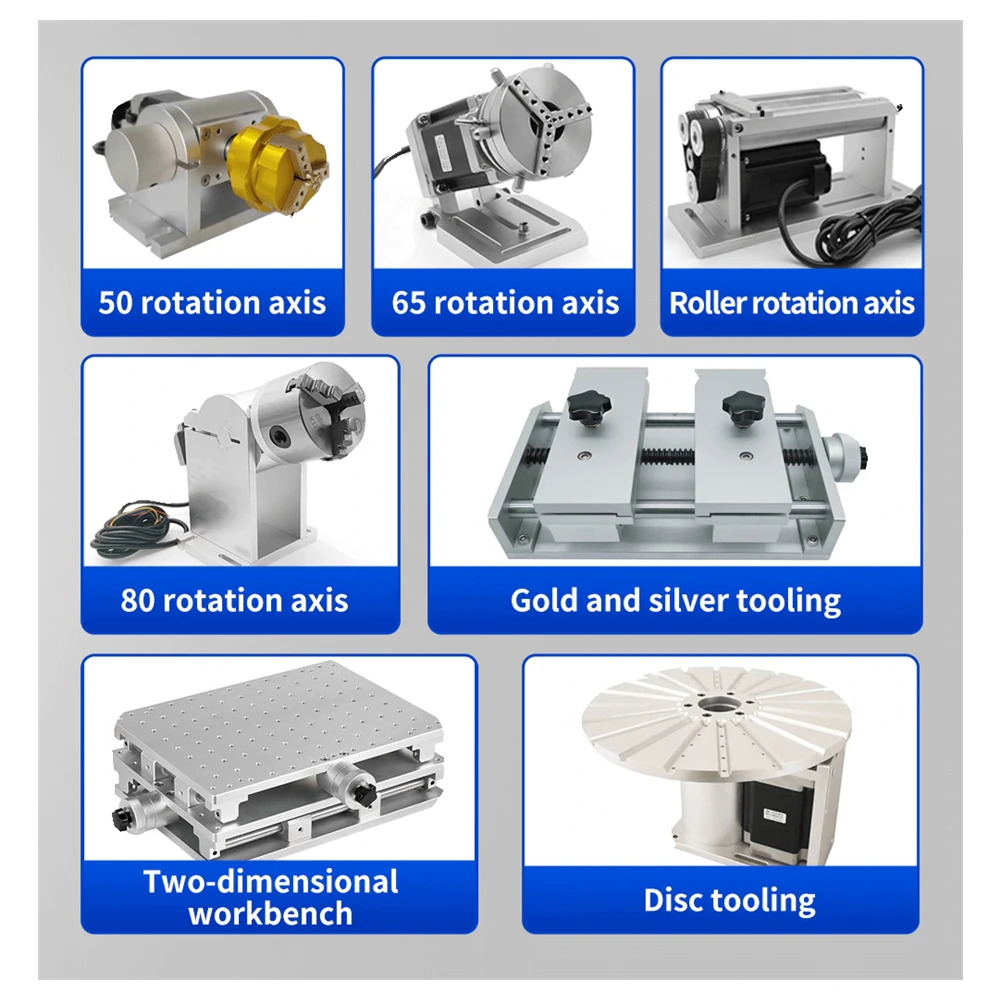
Unload, reload the same fixture and start again. For cylindrical parts the same cycle runs with the part held in the rotary axis.
The scanner is fast on every model. What separates a fast shop from a slow one is how quickly a part goes in and comes out.
| Workholding option | Typical parts | Effect on the cycle |
|---|---|---|
| Locating-hole fixture plate | Flat plates, brackets, housings | Fastest load; the operator positions by hand against fixed pins |
| Custom machined fixture | Repeated parts with a complex outline | Built to your part drawing so the part can only sit one way |
| Rotary axis with chuck | Short cylinders, rings, fittings | Adds a single clamp action instead of a second operation |
| Rotary axis with chuck and tailstock | Long shafts, tools, pins, tubes | Supports the far end so longer parts run true at speed |
| Batch plate with multiple nests | Small identical components | Several parts marked in one program run before an unload |
Fixture plates, nests and rotary units are specified per order against the part drawing. Send a drawing or a sample and we will propose the workholding that gives the shortest load and unload time.
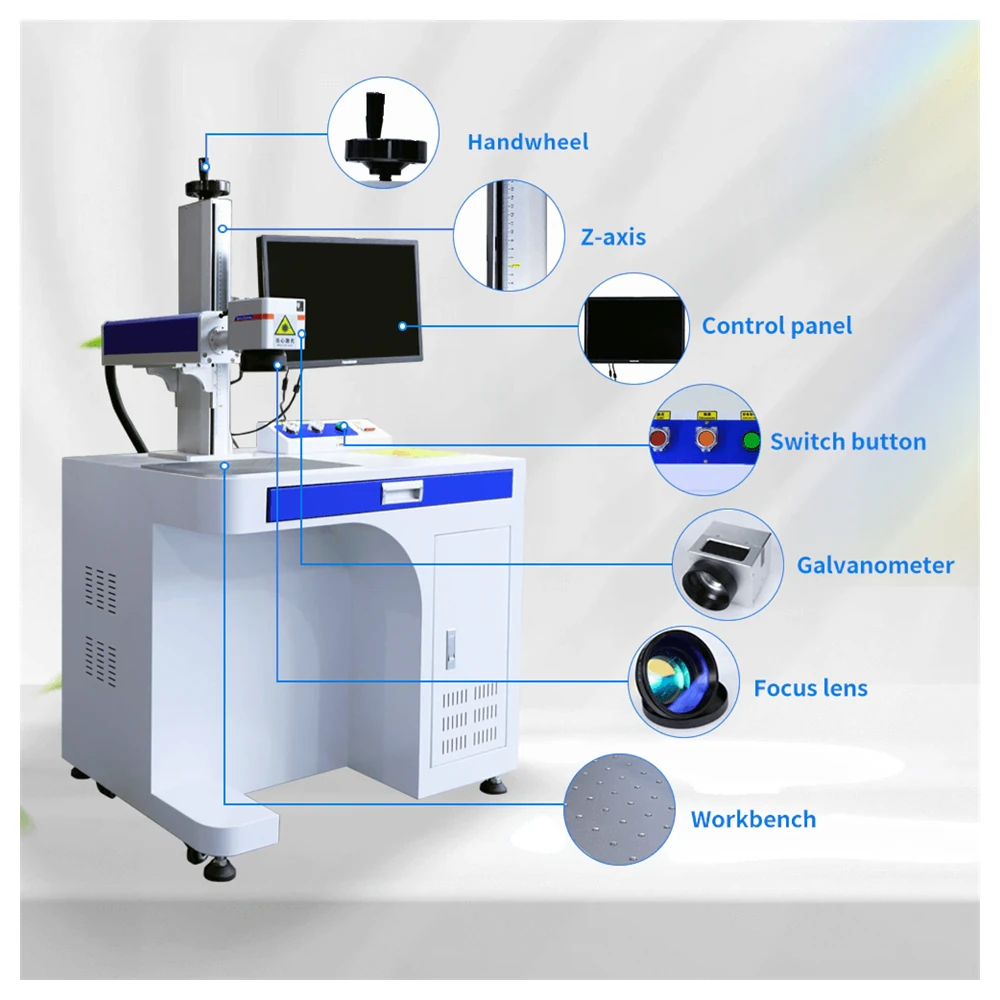
The cabinet, workbench and control layout are identical across the range. Output power, pulse energy and frequency range are what change.
| Parameter | KR-DF20 | KR-DF30 | KR-DF50 | KR-DF60 | KR-DF100 |
|---|---|---|---|---|---|
| Output Power | 20W | 30W | 50W | 60W | 100W |
| Machine Power Draw | 460W | 490W | 550W | 580W | 700W |
| Max Pulse Energy | 0.8 mJ | 0.8 mJ | 1.25 mJ | 1.5 mJ | 1.5 mJ |
| Frequency Range | 1–600 kHz | 1–600 kHz | 1–600 kHz | 1–4,000 kHz | 1–4,000 kHz |
| Laser Wavelength | 1064 nm | ||||
| Spot Diameter | 7 ± 0.5 mm | ||||
| Marking Area | 100 × 100 mm to 300 × 300 mm | ||||
| Power Adjustment | 0–100% stepless | ||||
| Galvanometer | Sino-galvo | ||||
| Laser Source | JPT / MAX / RAYCUS | ||||
| Cooling Method | Air-cooled | ||||
| Supply Voltage | 110V / 220V, 50/60 Hz | ||||
| Fiber Cable Length | 3 m | ||||
| System Software | EZCAD2 | ||||
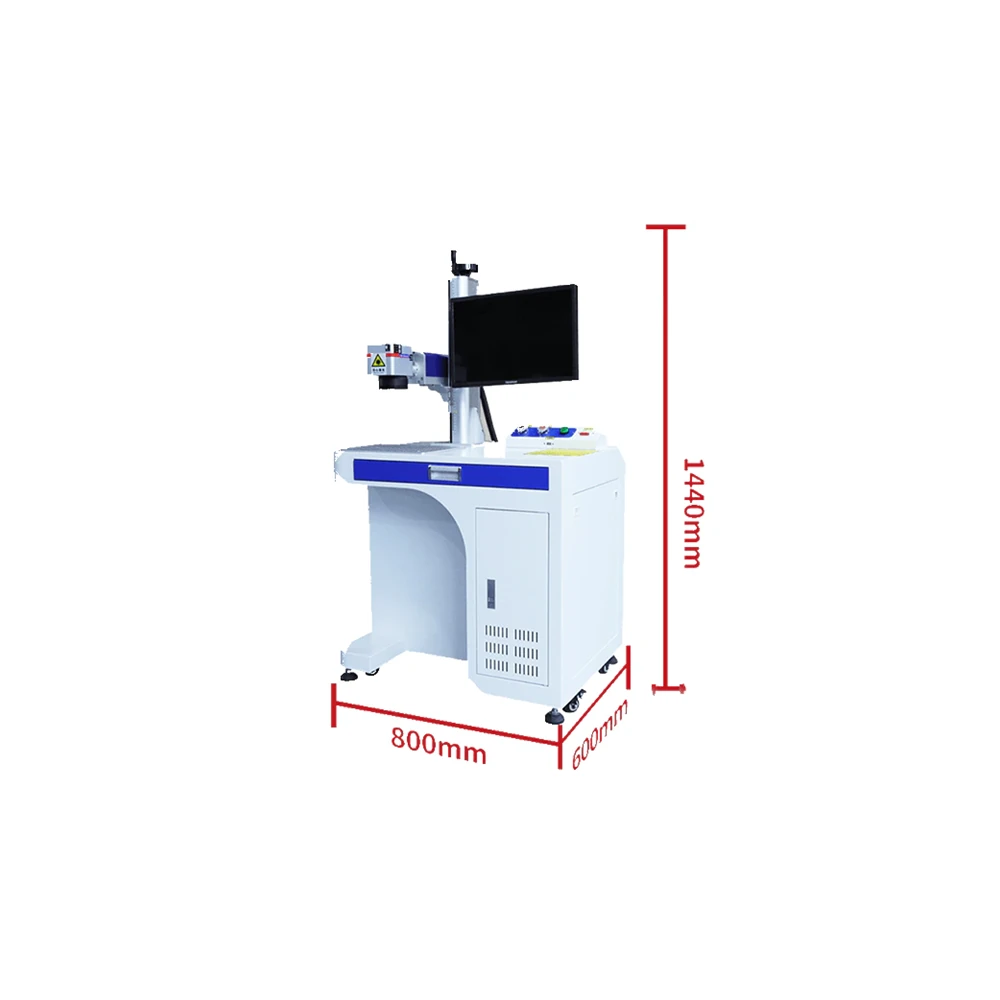
| Machine Dimensions | 600 × 775 × 1430 mm | ||||
| Machine Weight | About 70 kg | ||||
The product description lists a standard marking area of 110 × 110 mm while the technical table states 100 × 100 mm to 300 × 300 mm. The table values are used here. Lens sets are ordered with the machine, so confirm the field size you need before production.
From circuit chips to hardware tools, the same 1064 nm source covers a wider spread of parts than most benches have room for.
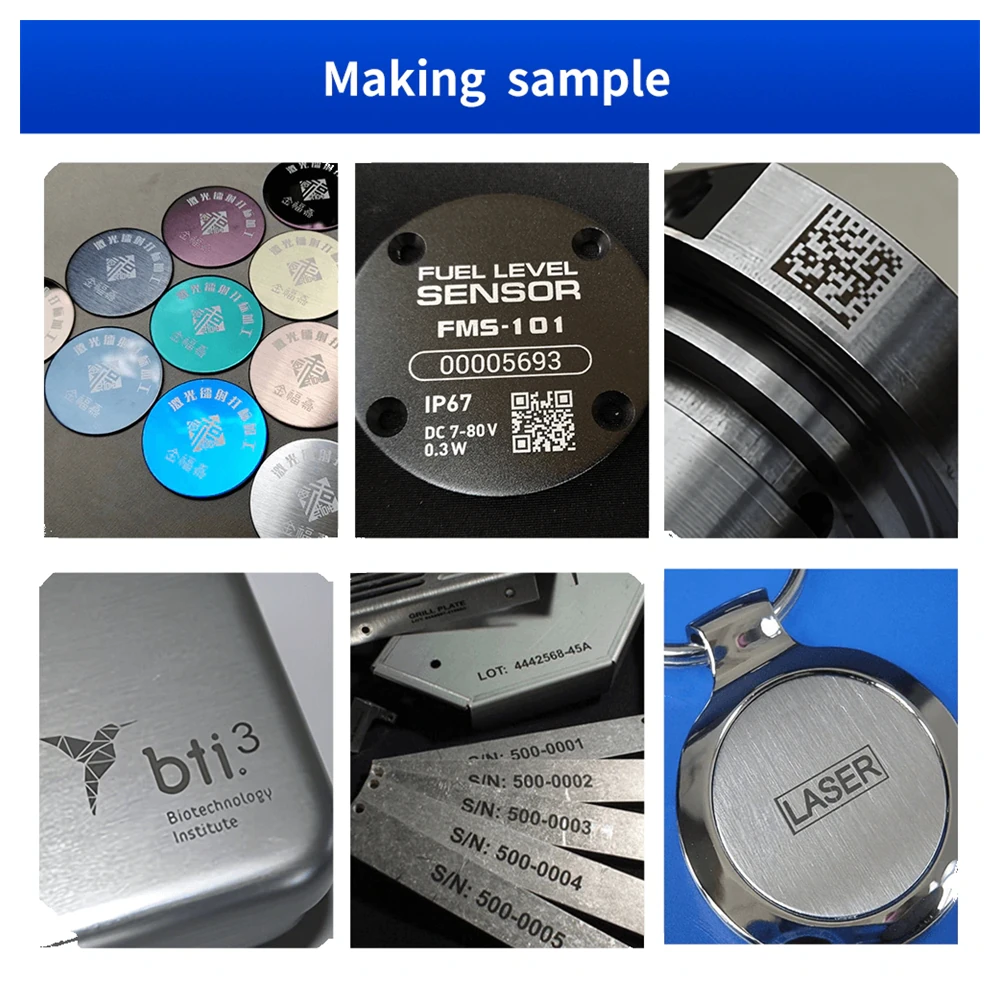
Circuit chips, connectors, computer accessories and communication equipment marked with serial numbers, Data Matrix codes and logos.
Hardware tools, fittings and machined parts marked with grade, supplier and traceability data straight onto the finished surface.
Silver, gold and alloy pieces get fine logos and personalised content; the non-contact beam leaves polished faces unmarked by handling.
Component identification and technical specifications on parts that have to stay traceable for the life of the assembly.
Instruments, sanitary fittings and appliance parts marked with permanent, chemical-resistant text and symbols.
The 60W and 100W models also cut thin stainless steel, aluminium, alloy, brass, silver, gold and titanium sheet in the same enclosure.
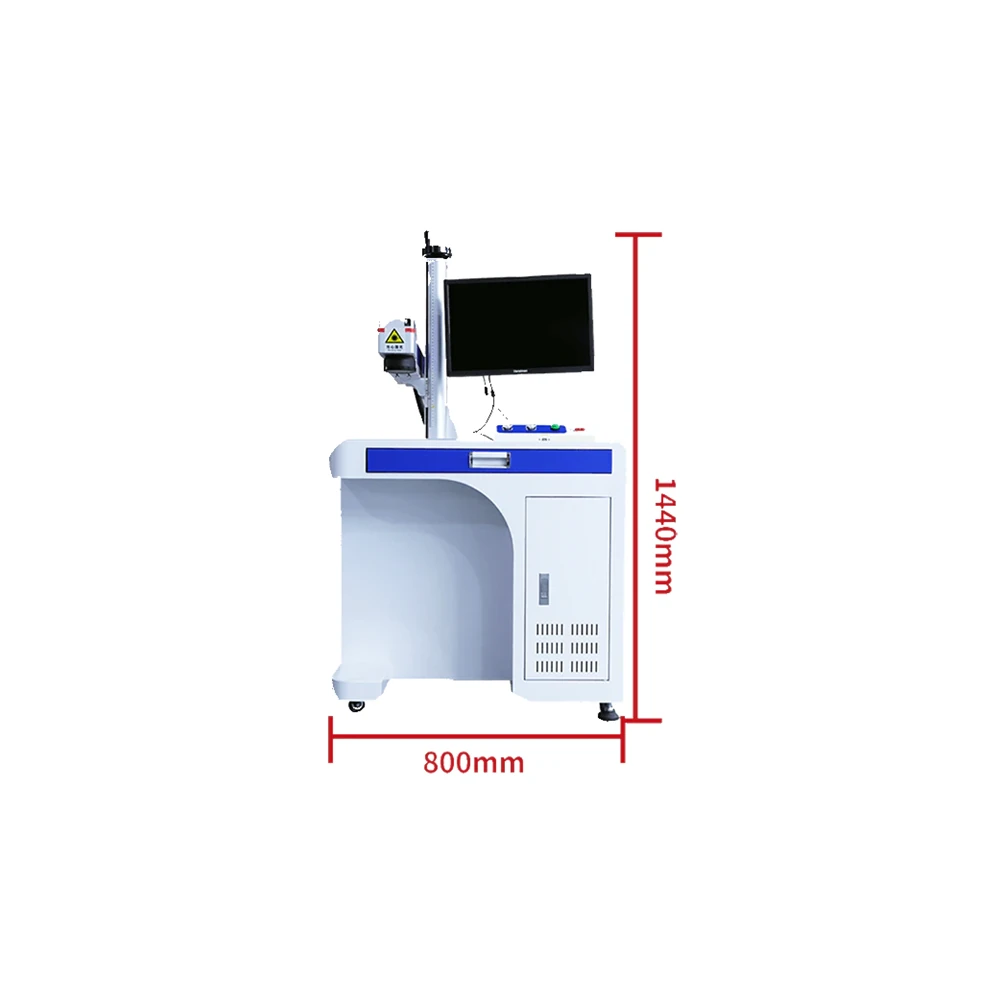
The control cabinet and the display share one body, so the machine occupies a single position on the bench instead of spreading across two.
Delivery is only the start of the relationship; the fixture and the parameters are what make the machine productive.
No chiller, no water circuit and no plumbing on the bench. The cabinet only needs a standard single-phase socket and room to breathe.
Two years of cover with free replacement parts for any failure in the period, plus lifetime support through email, WhatsApp and remote sessions.
Air express with DHL, FedEx, TNT or UPS for single units, and air or sea freight for multi-unit orders. Tracking is issued at dispatch.
T/T bank transfer, PayPal and Western Union are accepted. Volume terms are agreed per order and documentation is confirmed before production.
Stainless steel, aluminium, alloys, brass, silver, gold, titanium and iron are all supported, along with certain non-metals such as PC, ABS, PVC and PC+ABS. The 1064 nm source suits metals best, and coated or anodised parts can be marked by removing the surface layer.
Two things matter: workholding and program recall. The fixture plate accepts locating holes and custom fixtures built to your part drawing, so a part drops into the same position every cycle, and the stored job starts from a single button on the console.
Yes. An optional rotary axis is available, with a chuck for short parts or a chuck and tailstock combination for longer shafts such as tools, pins and tubes.
The marking chamber is fully enclosed behind a laser safety window. The beam is contained inside the cabinet during the cycle and emission stops when the door is opened, so the machine can stand in a normal production area.
Nothing beyond routine cleaning. The source is air-cooled, there are no consumables such as inks or cartridges, and the theoretical source life is 50,000 hours. The aluminium workbench resists corrosion and its locating holes also help dissipate heat.
20W, 30W and 50W cover most marking work, including barcodes, Data Matrix codes and logos. The 60W and 100W models raise the maximum pulse energy to 1.5 mJ and the frequency range to 4,000 kHz, which suits deep engraving and cutting thin sheets of stainless steel, aluminium, brass or titanium.
The machine runs EZCAD2 and connects to a Windows PC over USB. Files from common drawing packages are imported directly, and the keyboard and mouse store in the drawer under the console.
If the parts are larger than the bench, or the marking has to happen at the machine that made the part, one of these formats will fit better.
The same fiber source with the marking head separated from the cabinet, for gantry, robot and conveyor mounting.
View model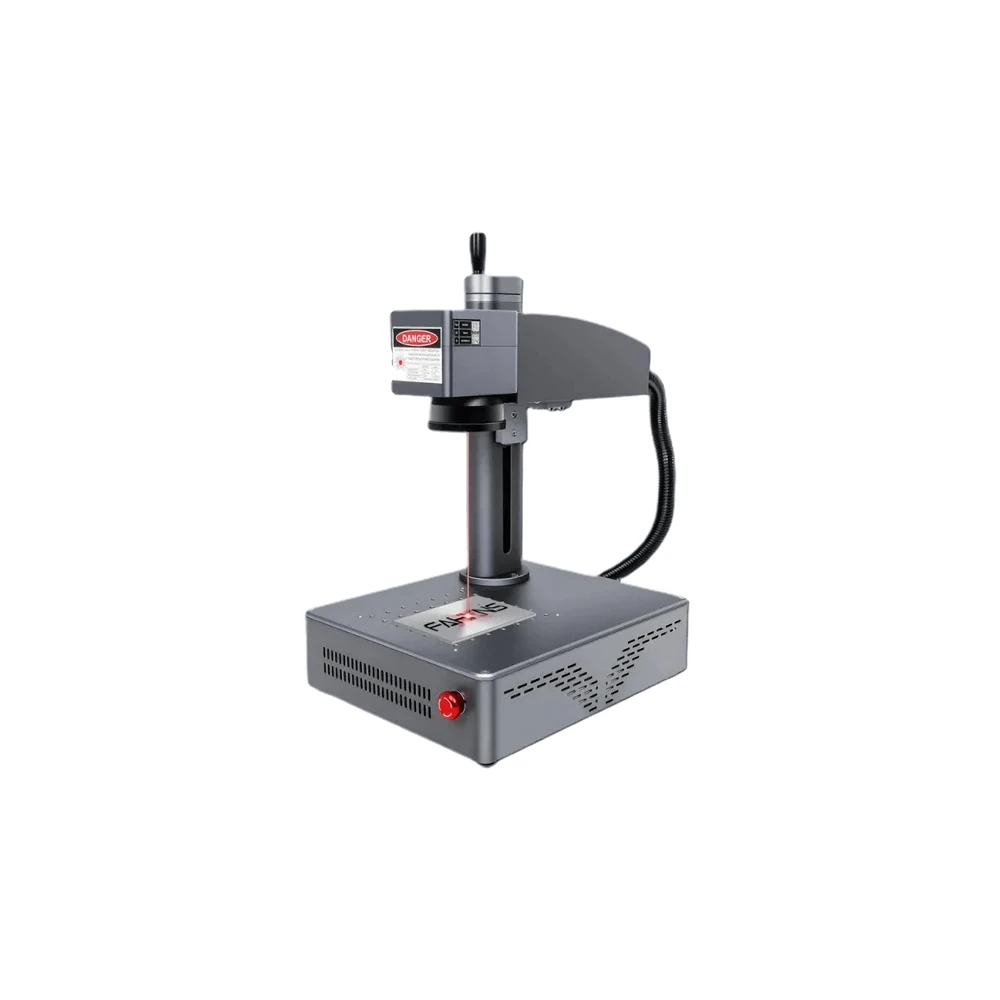
Source, controller and display in one shell that can be lifted onto a trolley or moved between workshops.
View model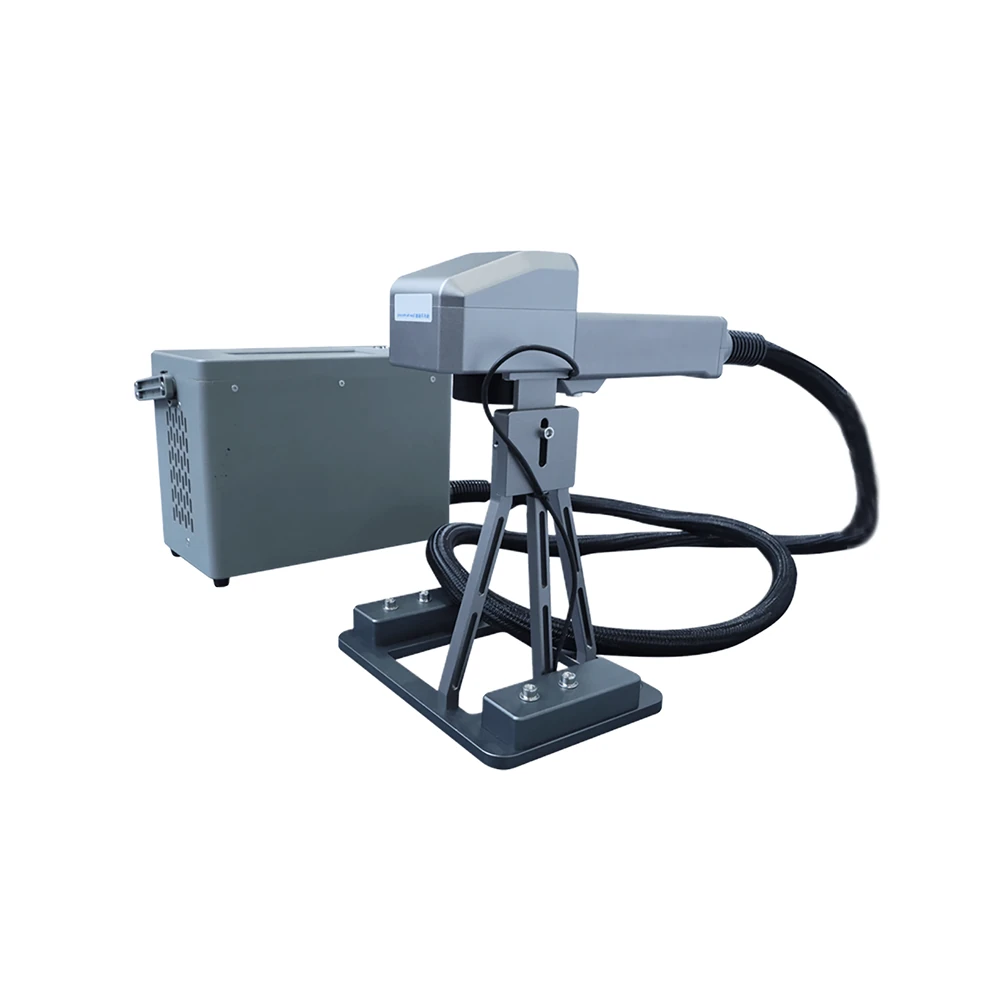
One cabinet that switches between an enclosed bench mode and a handheld gun for parts that cannot be moved.
View model